
Draw and write
Sketch BoardThe general drawing and note foundation
 Sketching.Tech
Apps, tools, guides and notes
Sketching.Tech
Apps, tools, guides and notes
Sketching Apps
A visual guide to the Sketching app family: draw and write with Sketch Board, organize ideas with Flexform, teach and play together with Sketch Touch, and turn drawing process into video and animation with Paint Play.
Relationship
Use one app for a focused task, or move naturally from drawing and writing to organization, shared practice, and video expression.
The general drawing and note foundation

Infinite canvas writing and visual organization
Drawing teaching and social play
Drawing video and animation
Choose by job
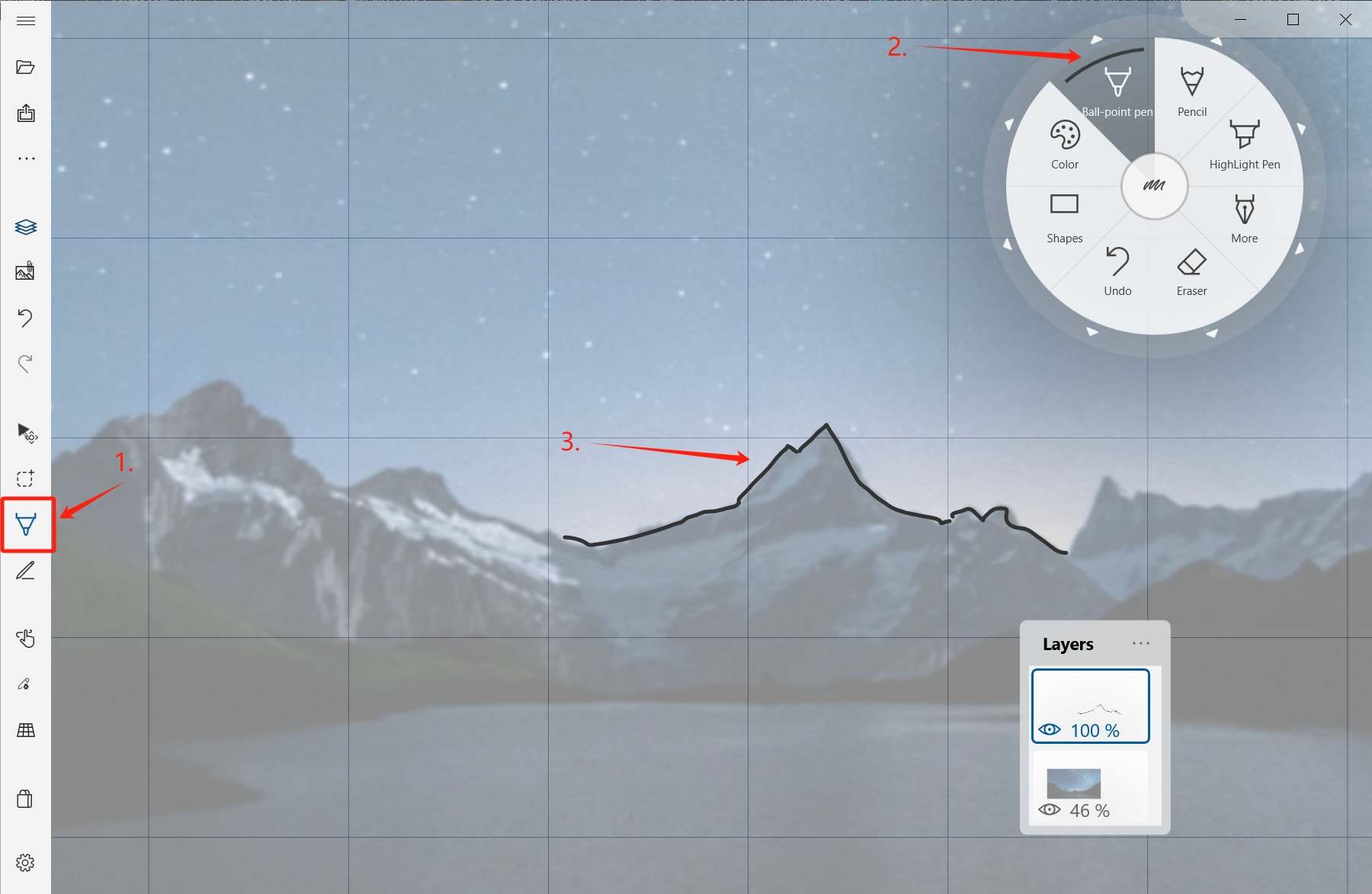
Start from a blank canvas, sketch, write notes, annotate PDFs or images, and organize work with layers.
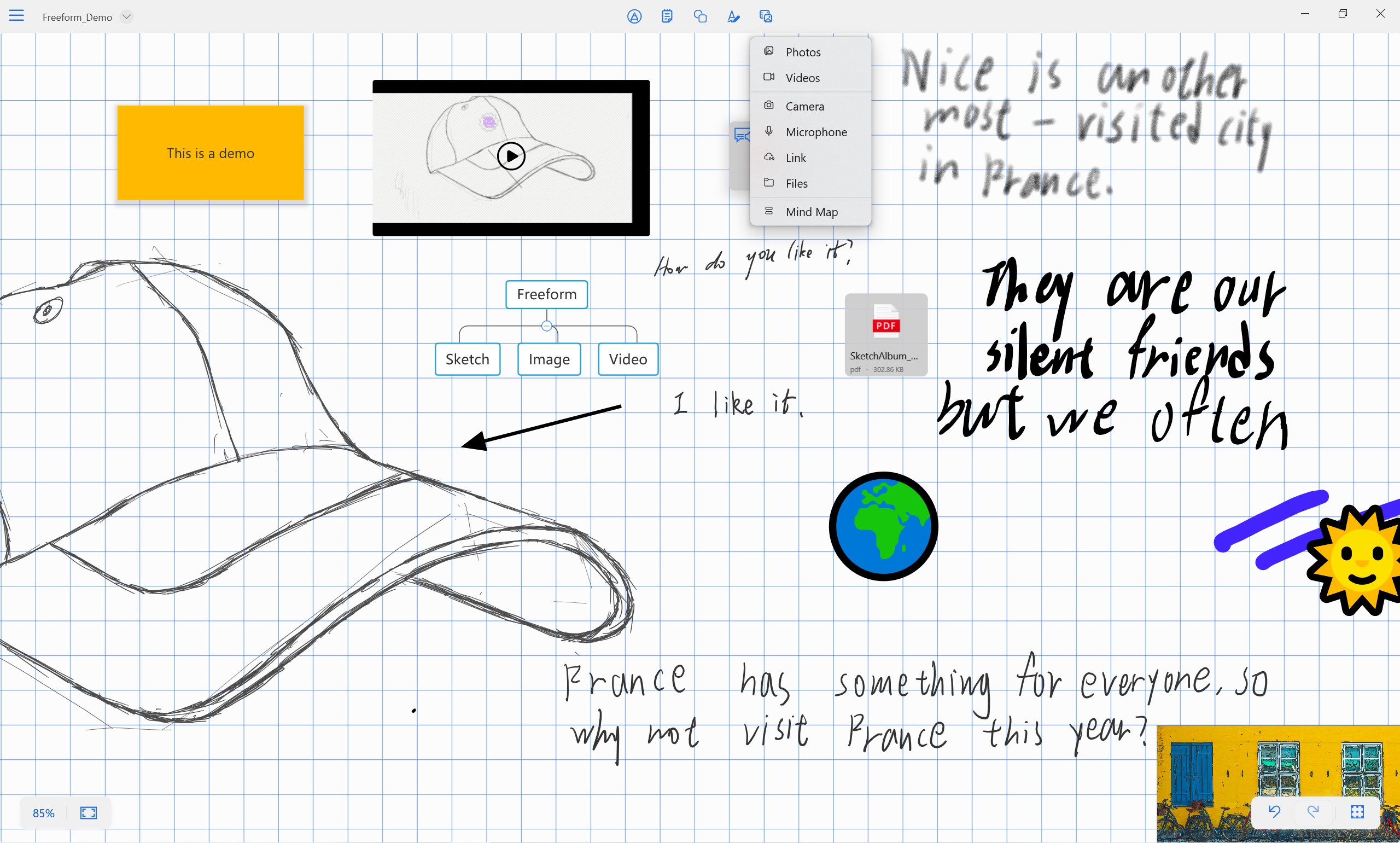
Place handwriting, images, links, files, sticky notes, and mind maps on one canvas so relationships become visible.
Draw together in the same space, explain ideas live, and use inspiration tools to start an interactive session.
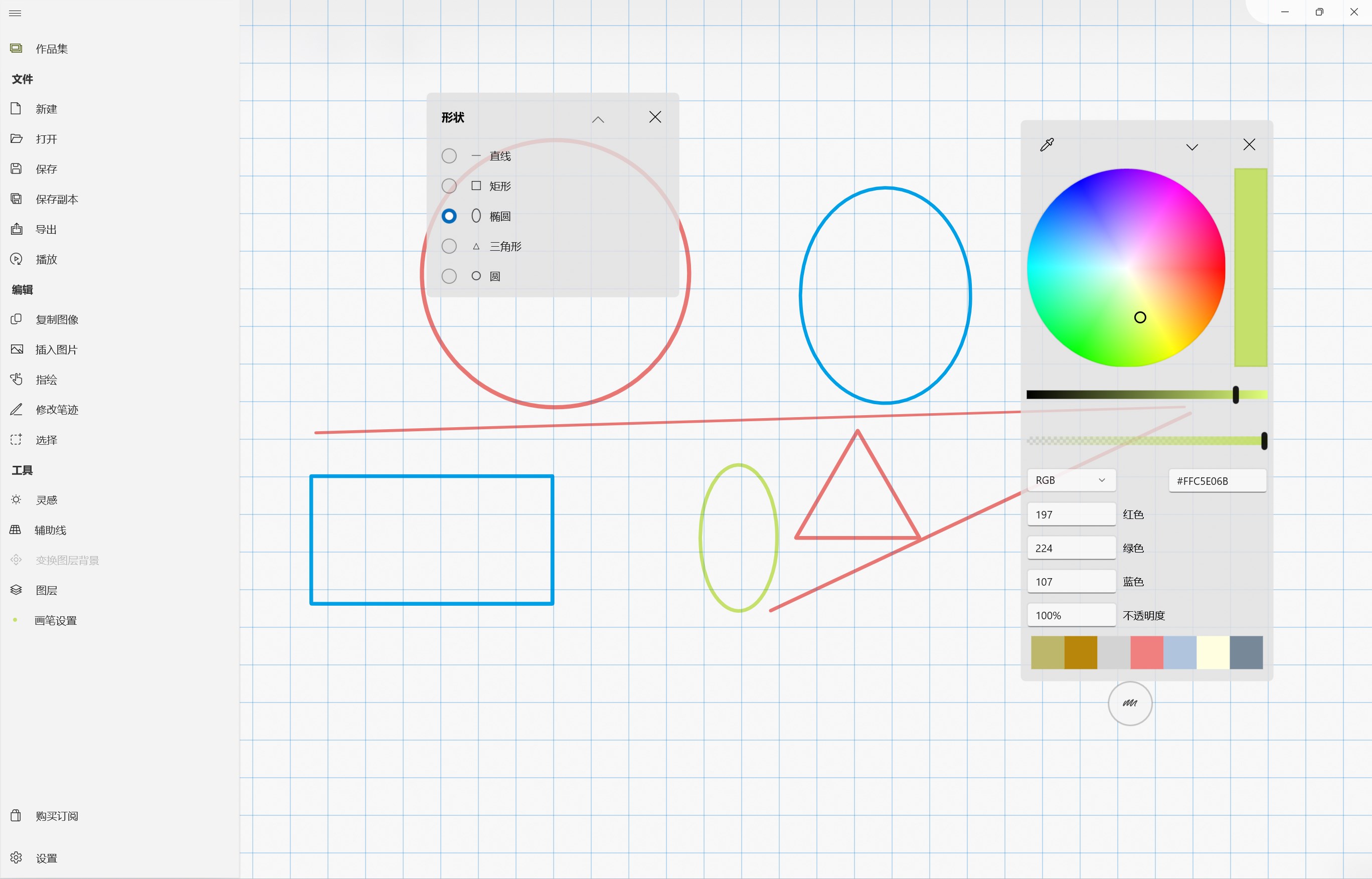
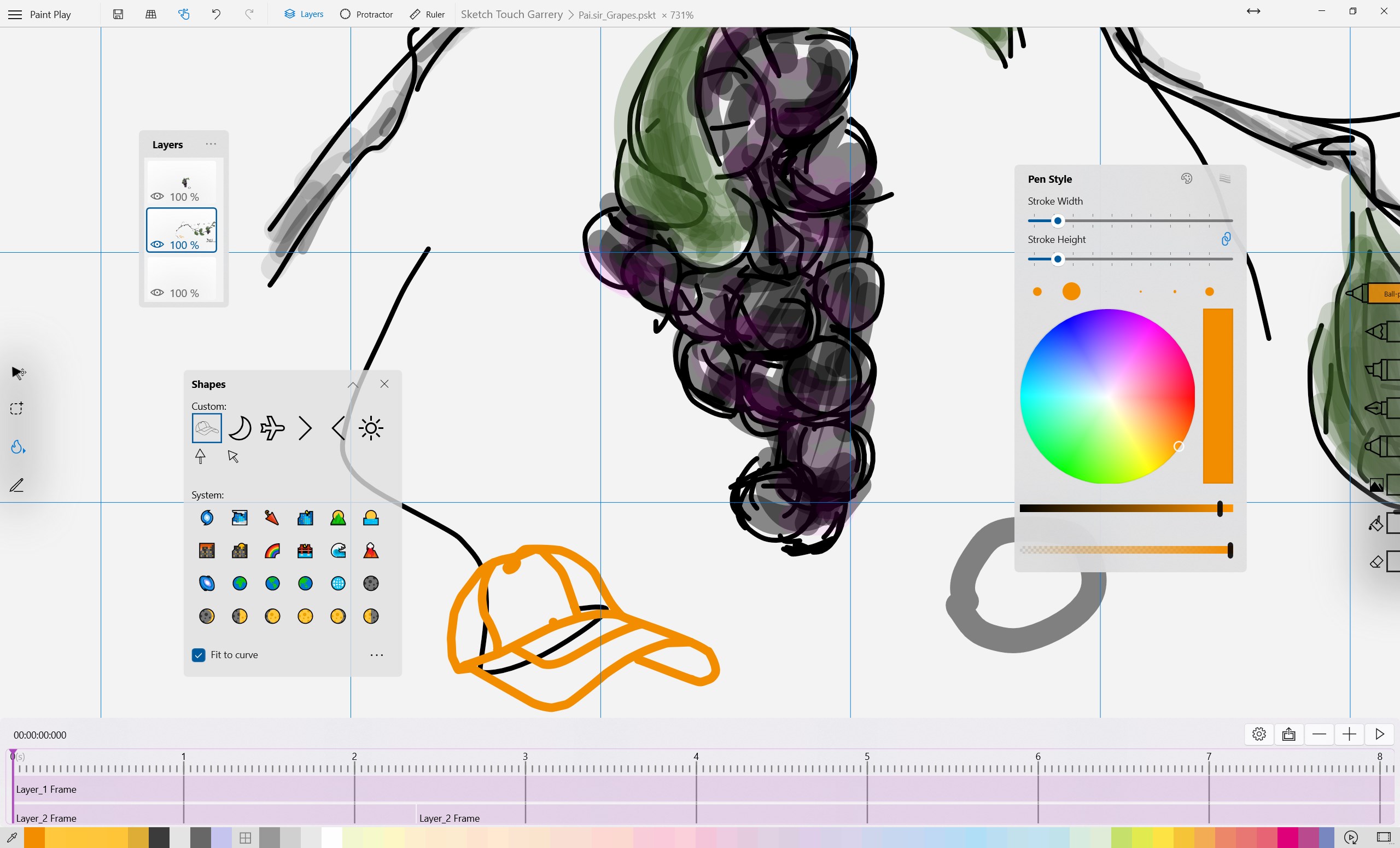
Turn drawing steps, practice process, and motion into something easier to watch, share, and review.
Product details
The Sketching apps share the same visual-work spirit, but each one helps with a different kind of task. Use the guide below to pick the best starting point.
The general drawing and note foundation
Sketch Board is a Windows whiteboard and drawing tool with infinite canvas, layers, brushes, PDF/image import and export, and autosave.
Infinite canvas writing and visual organization
Flexform brings an open canvas for handwriting, mind maps, memos, shapes, text, rich media, files, links, and visual thinking without rigid page boundaries.
Drawing teaching and social play
Sketch Touch brings local-network shared canvases, drawing tools, inspiration helpers, PDF support, and media attachments into a touch-friendly creative workspace.
Drawing video and animation
Paint Play is a drawing training app for iPhone, iPad, and Windows. It turns practice into focused exercises for stroke control, pressure control, visual structure, and confidence.
Keep exploring
Whether you want to sketch, organize references, practice drawing together, or turn a process into video, the app directory gives you the next place to explore.