
Drawing fundamentals trainer
Practice drawing through focused stroke, pressure, and structure exercises.
Paint Play is a drawing training app for iPhone, iPad, and Windows. It turns practice into focused exercises for stroke control, pressure control, visual structure, and confidence.
Core features
Explore the core features through common workflows
How to use it
- Paint Play focuses on drawing practice: stroke control, pressure, and visual structure.
- Practice control in Paint Play first, then move into Sketch Board or another drawing app for free creation.
- Short daily sessions help build confidence more reliably than occasional long practice sessions.
Core value
- Step-by-step exercises from basic strokes to stronger control.
- Practice line, pressure, speed, accuracy, and structural observation.
- Good for beginners and anyone who wants stronger drawing fundamentals.
Screenshots
Practice on Windows, continue on iPhone and iPad
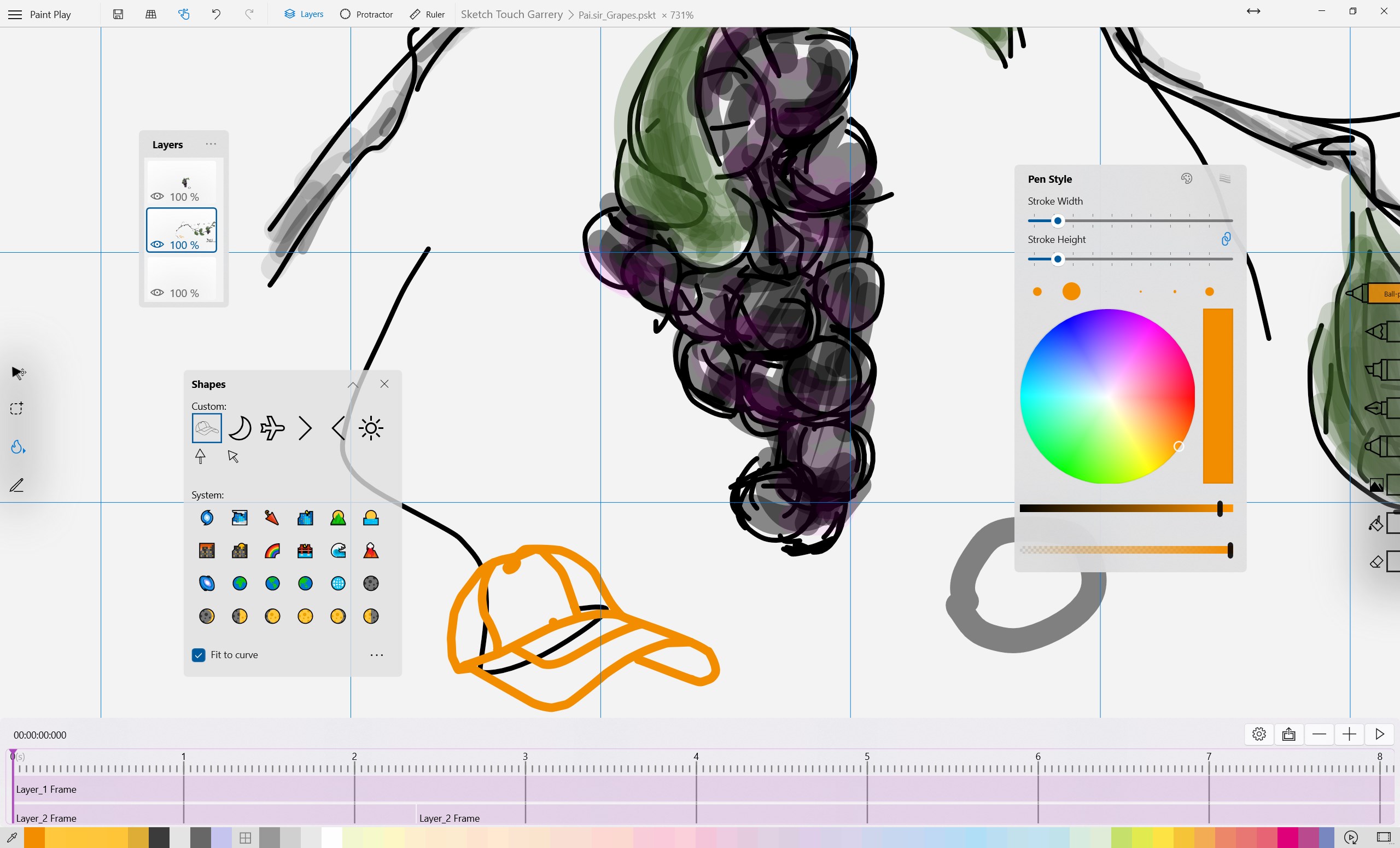
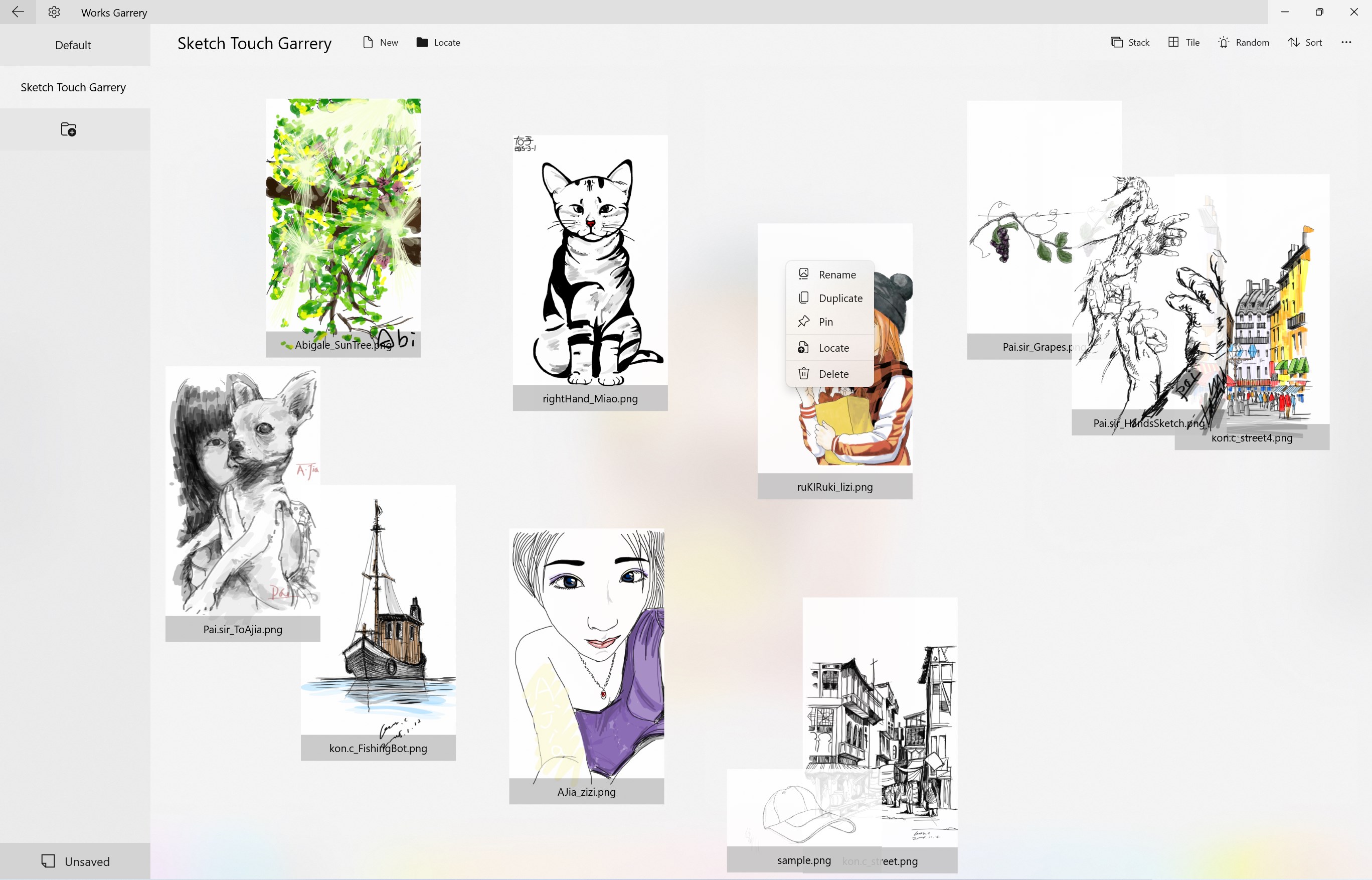
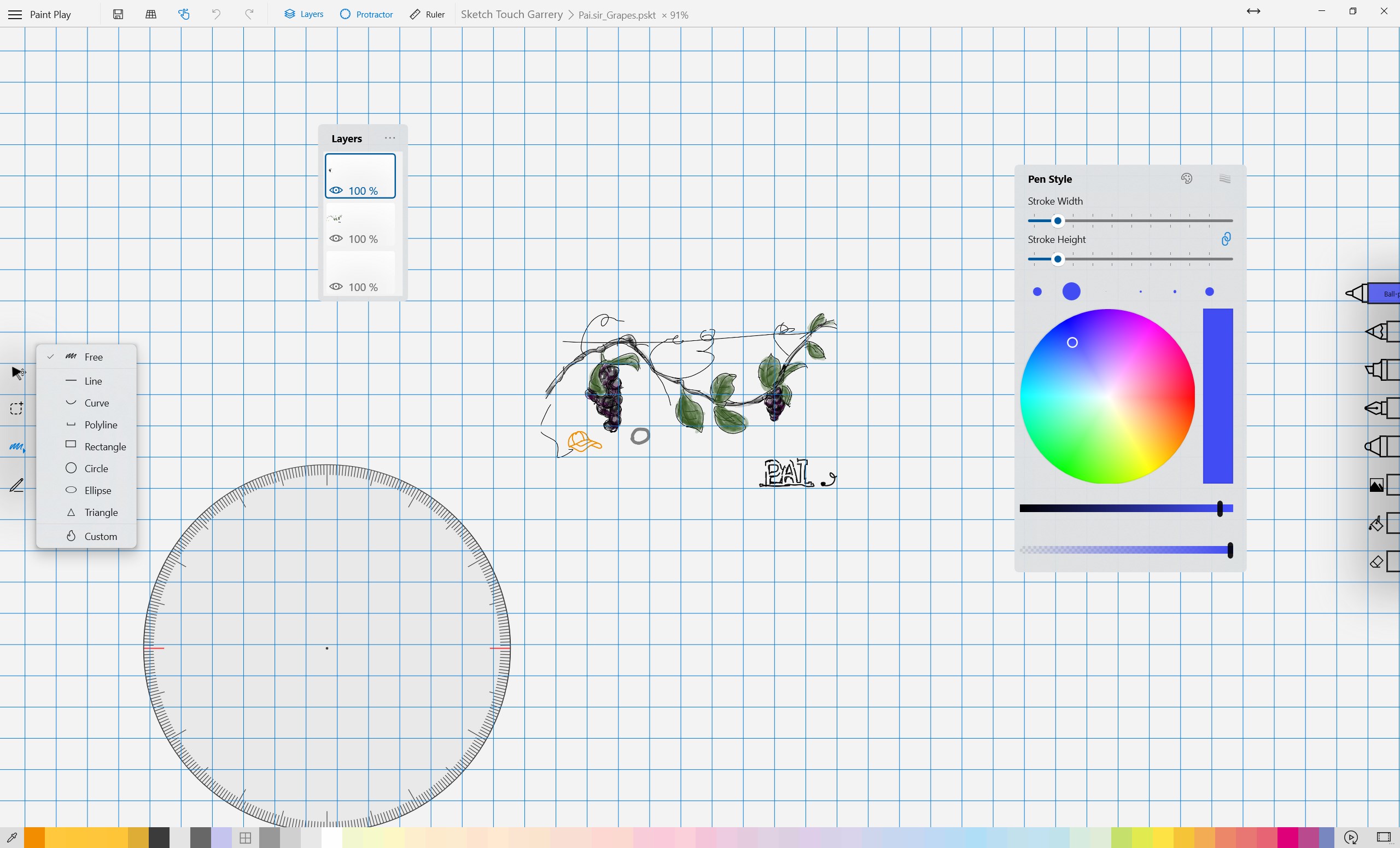
Use the larger Windows workspace for drawing tools, layers, timelines, and precise control. On iOS, short guided sessions help turn warmups into steady daily practice.
 Practice path
Turn warmups into small, visible steps.
 Stroke control
Build speed and precision through short exercises.
 Saved drafts
Keep practice drawings and return to them later.
 Instant drawing
Open a simple canvas and start drawing immediately.
Learn
Tutorials
Support
Need to report an issue or request a feature?
Send feedback by email, or continue to the help center, store page, and related apps.