
Shared canvas and inspiration tools
A creative companion for drawing together and collecting visual inspiration.
Sketch Touch brings local-network shared canvases, drawing tools, inspiration helpers, PDF support, and media attachments into a touch-friendly creative workspace.
Core features
Explore the core features through common workflows
Draw together on one shared canvas
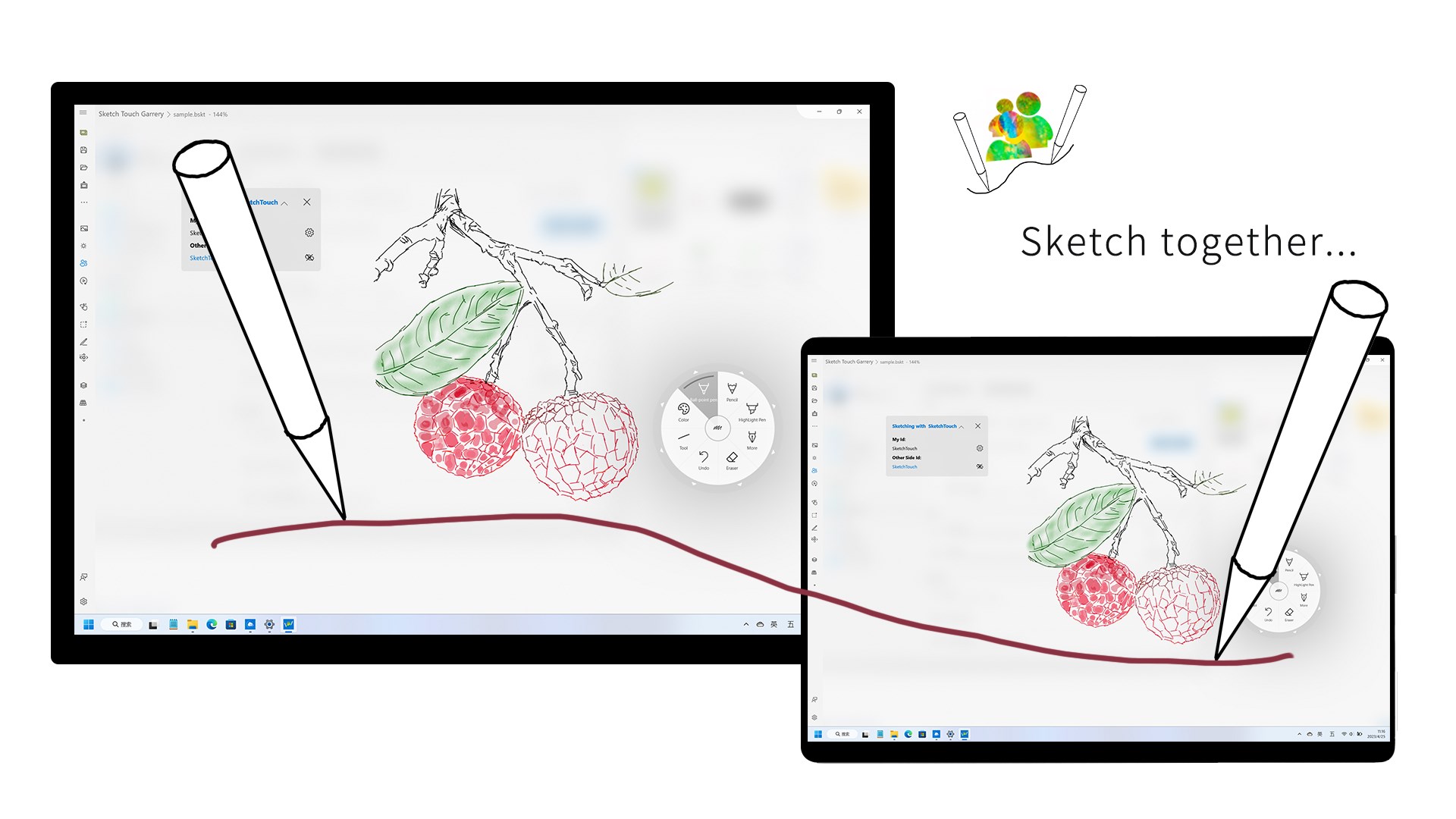
Sketch Touch can connect devices on the same local network, share the canvas, and show each side's drawing strokes in real time. It fits lightweight collaboration, live explanation, parent-child creation, or in-room sketching sessions.
Turn inspiration into a session
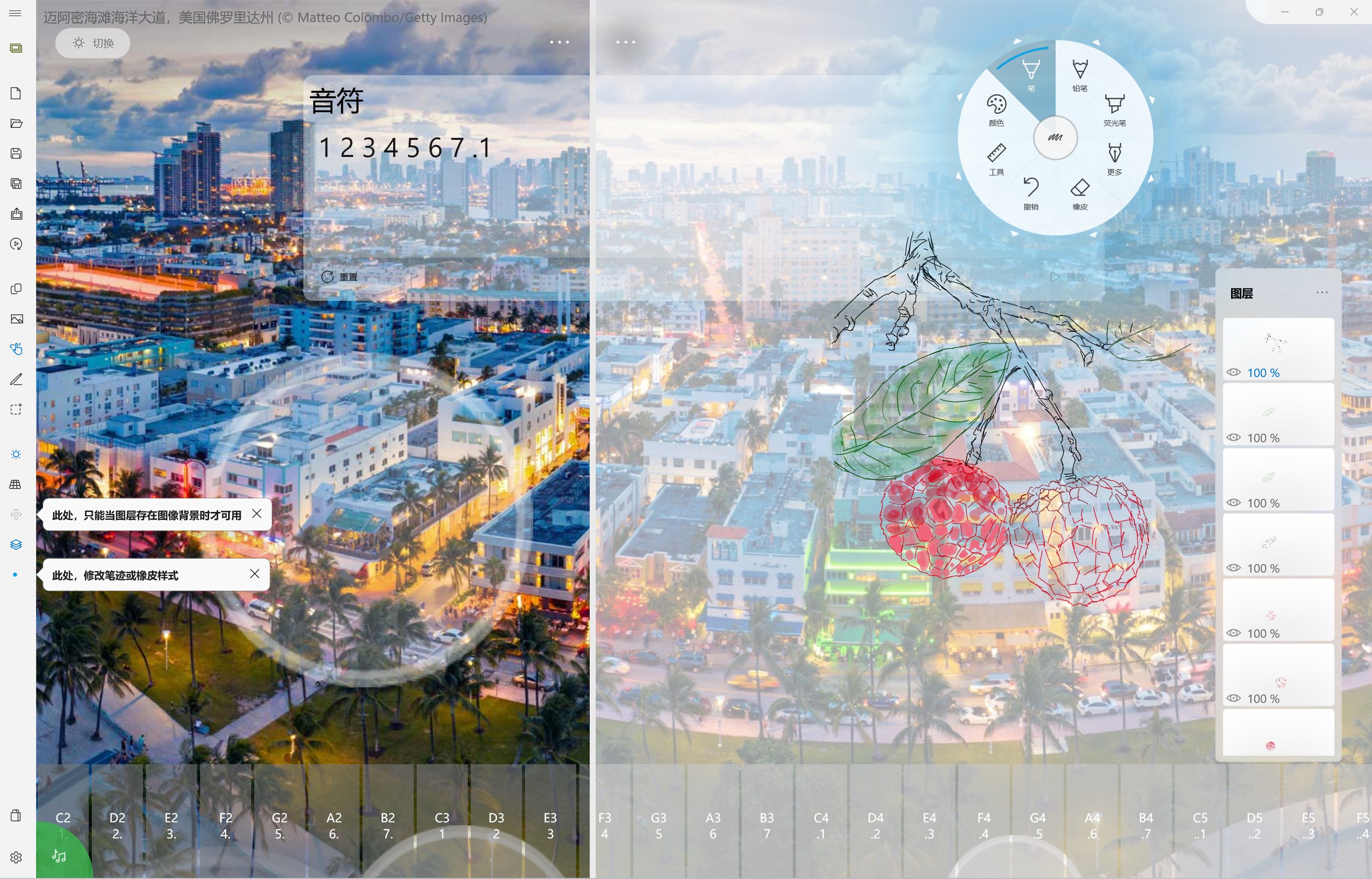
Sketch Touch is not only about touch input. It blends visual and audio prompts: electronic piano support, daily images, and background music help make a blank canvas easier to start.
Keep the familiar drawing toolkit
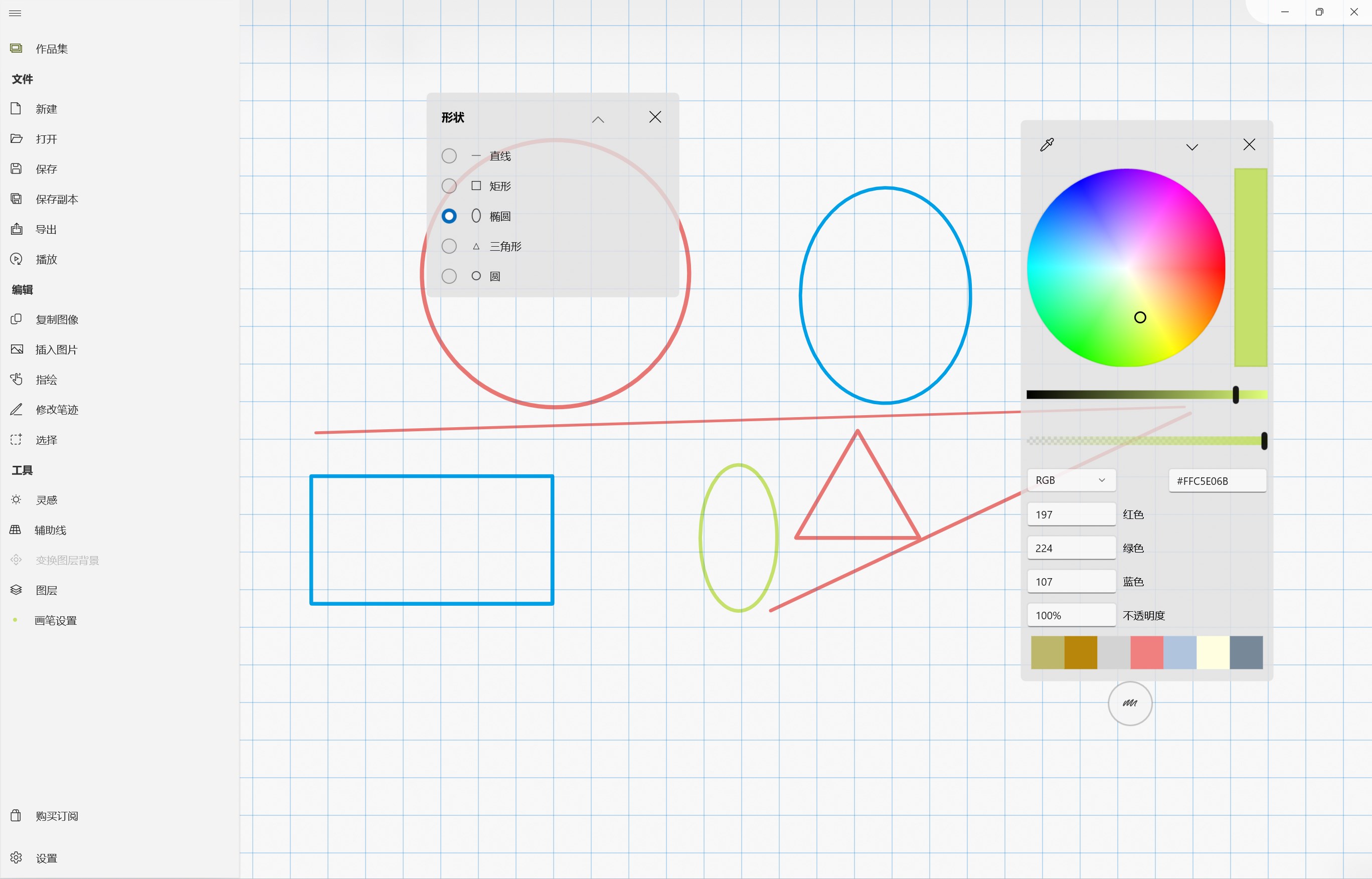
Brushes, erasers, infinite canvas, zoom, layers, selections, guide lines, annotations, image/text/link attachments, PDF opening, and album-to-PDF export make Sketch Touch more than a small companion app.
Good fits
- Draw, explain, or annotate together on two devices in the same local network.
- Start a light creative session from images, sound, and background music.
- Use layers, selections, guides, and attachments when a simple doodle tool is not enough.
Connection notes
- Shared canvas works best in the same room and on the same local network.
- If devices cannot discover each other, check network type, firewall prompts, and app network permission.
- PDFs, images, and attachments can make works larger; organize files before sharing.
Learn
Tutorials
Support
Need to report an issue or request a feature?
Send feedback by email, or continue to the help center, store page, and related apps.