Help
Brushes, erasers, shapes, and color in Sketch Board
Use Sketching mode for handwriting, drawing, erasing, shapes, color picking, and switching between writing and painting behavior.
Quick answer
Open Sketching mode when you need handwriting or drawing. It supports mouse, touchpad, and touch screen input.
Brush tools
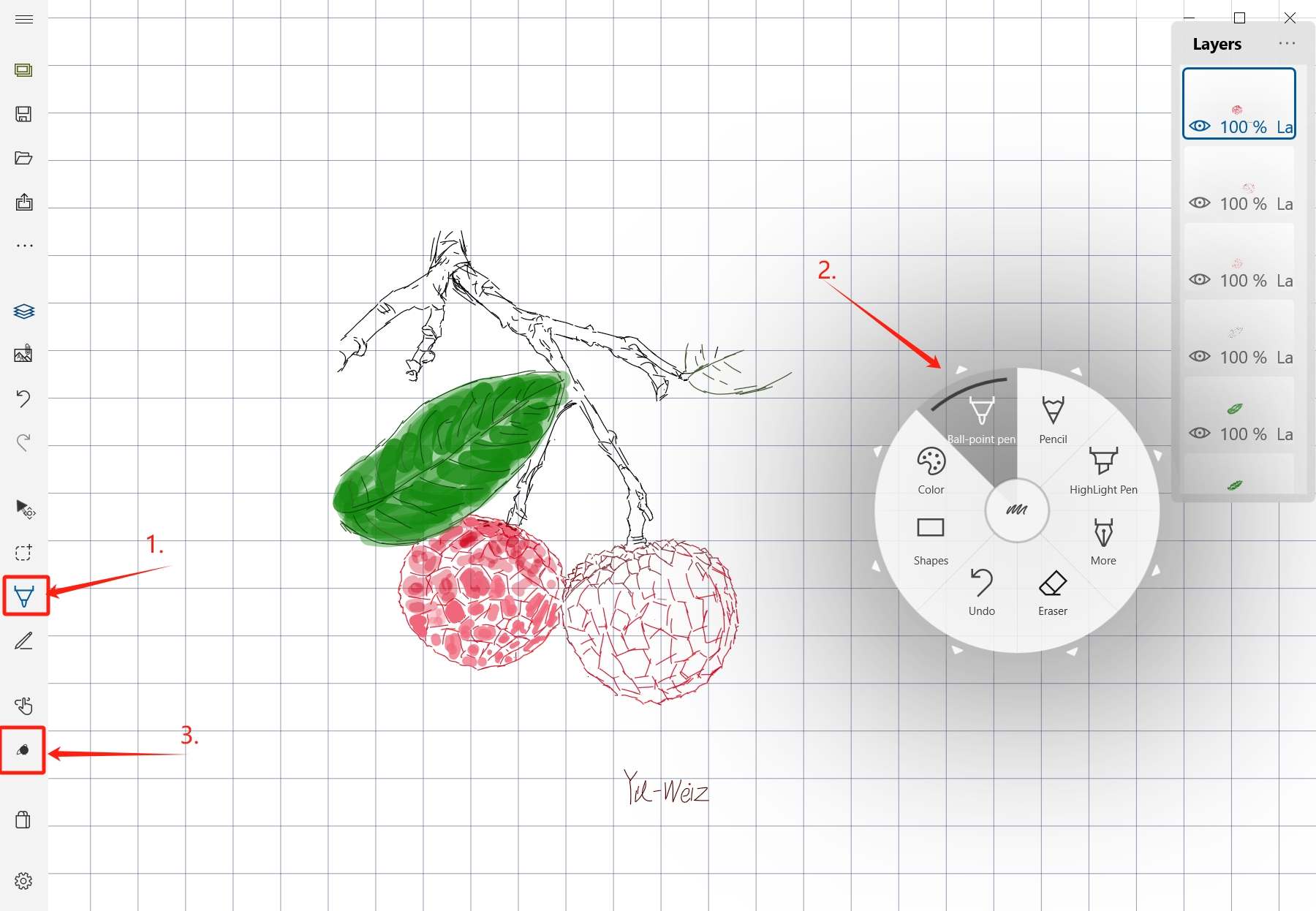
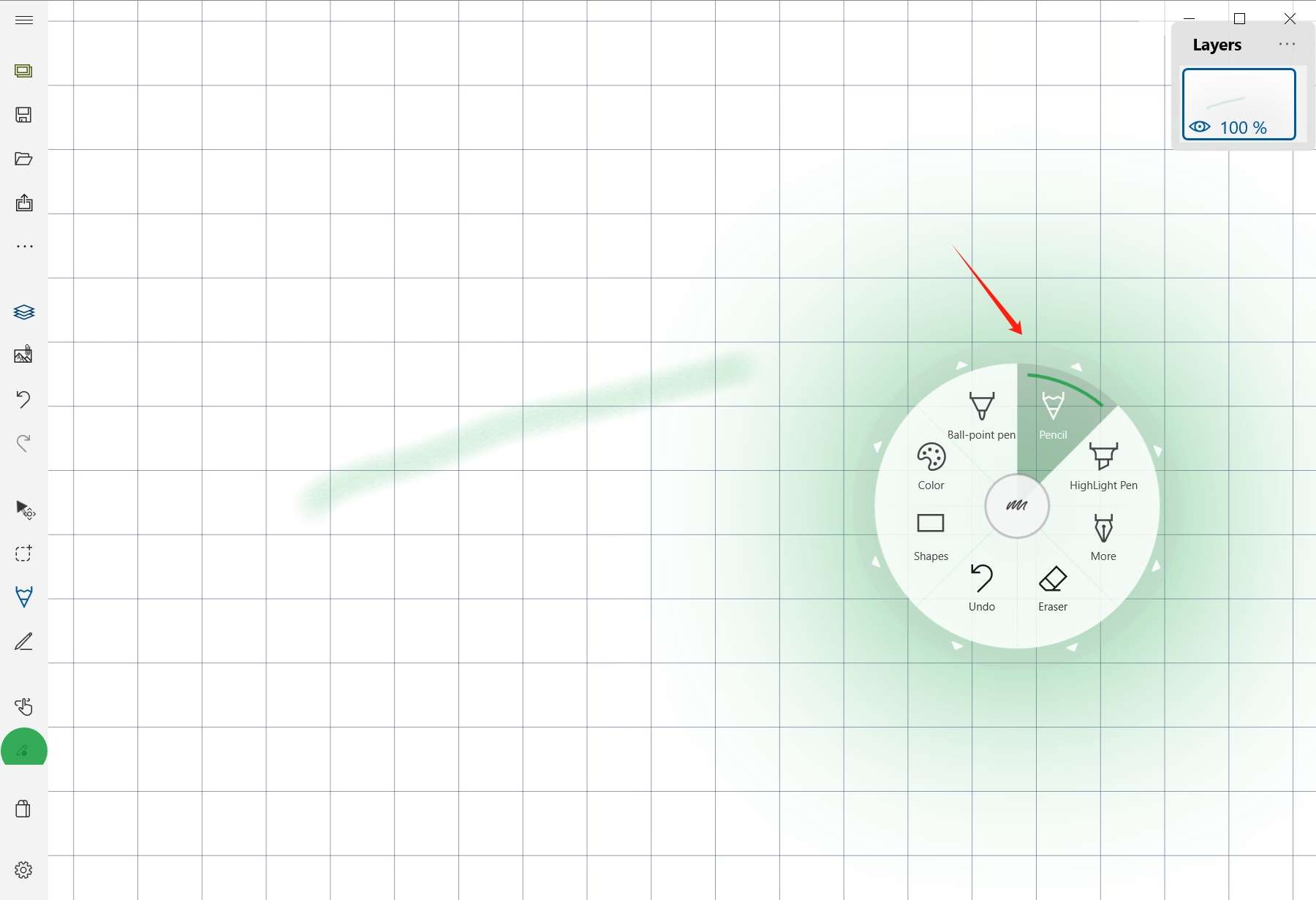
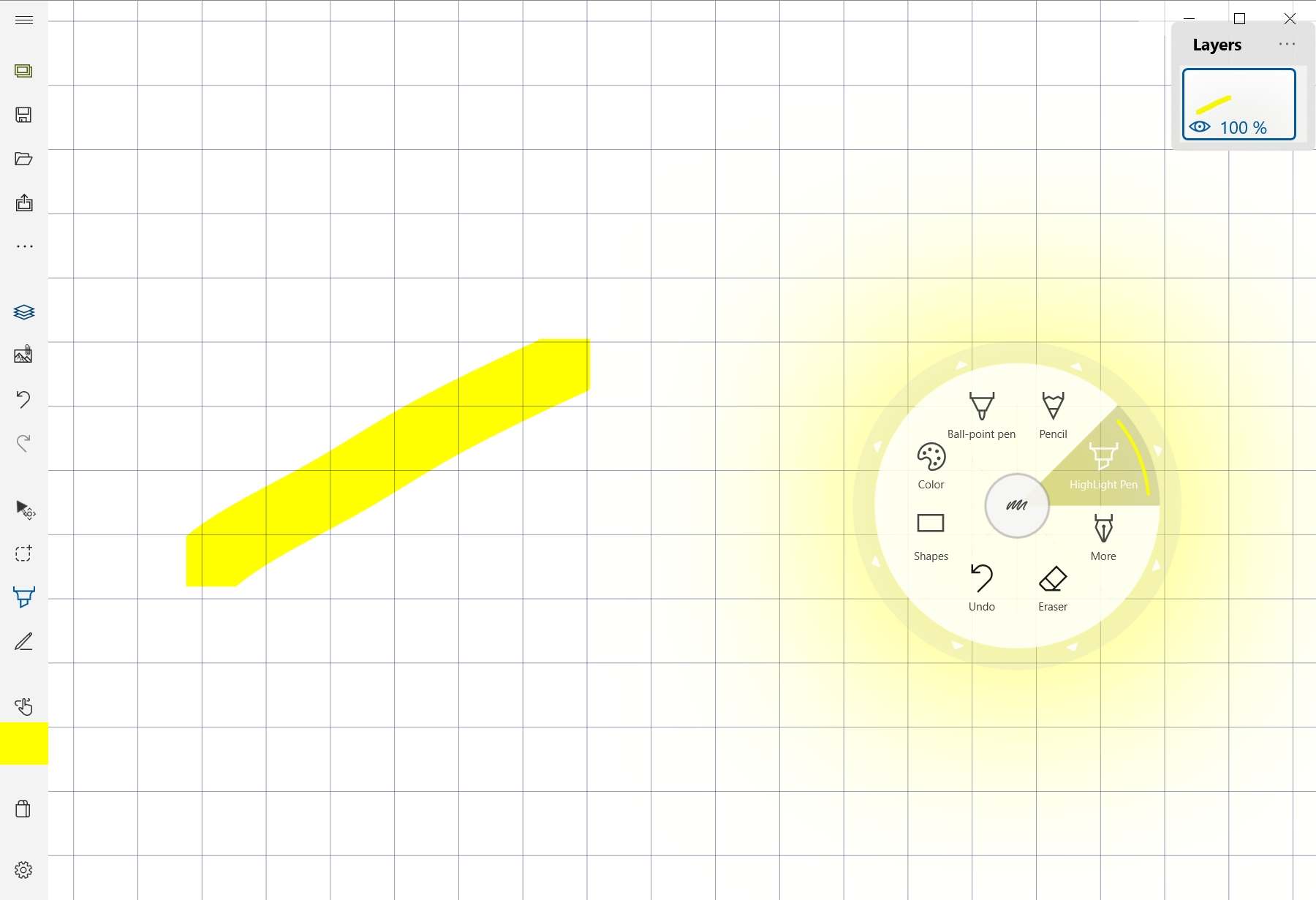
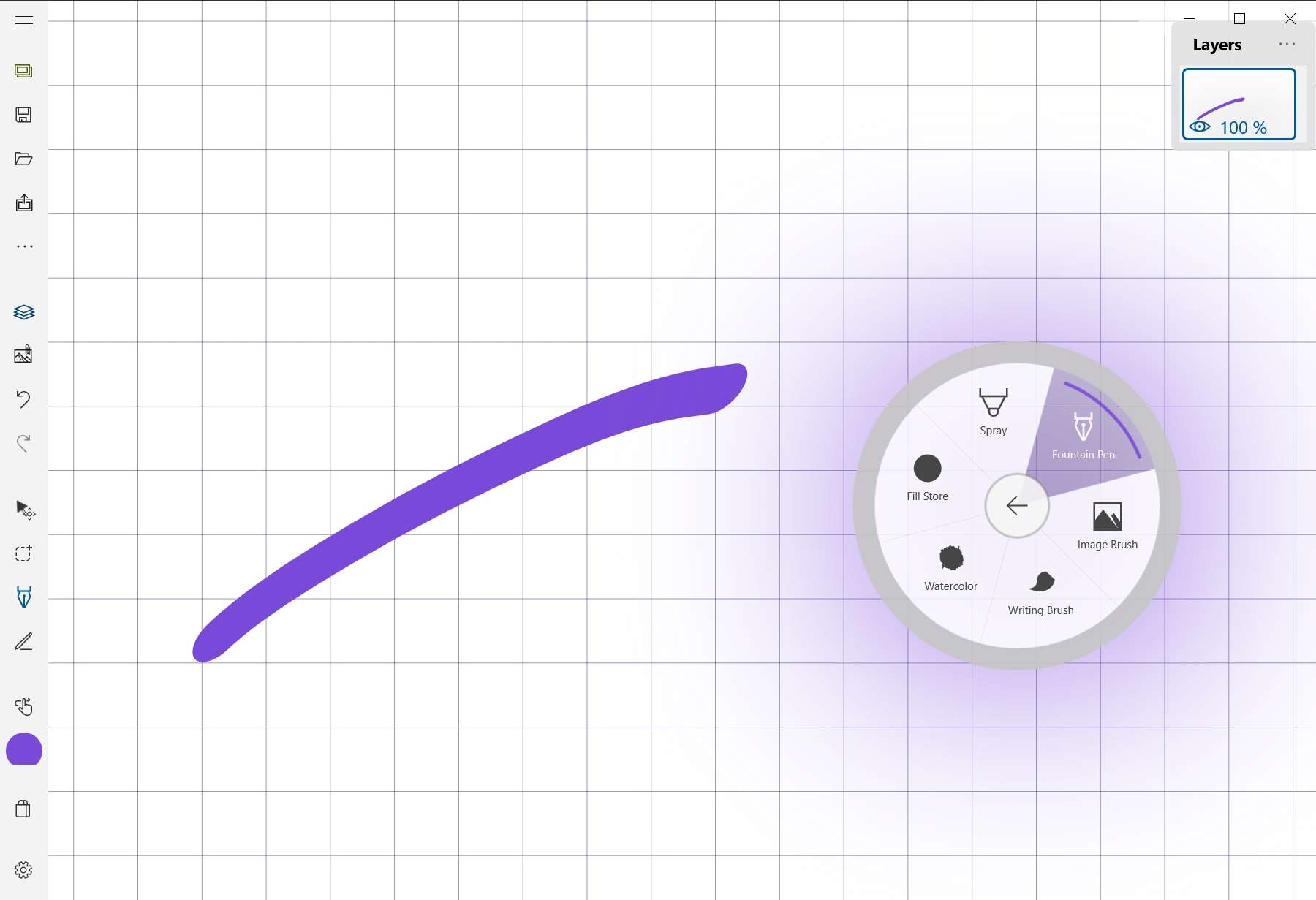
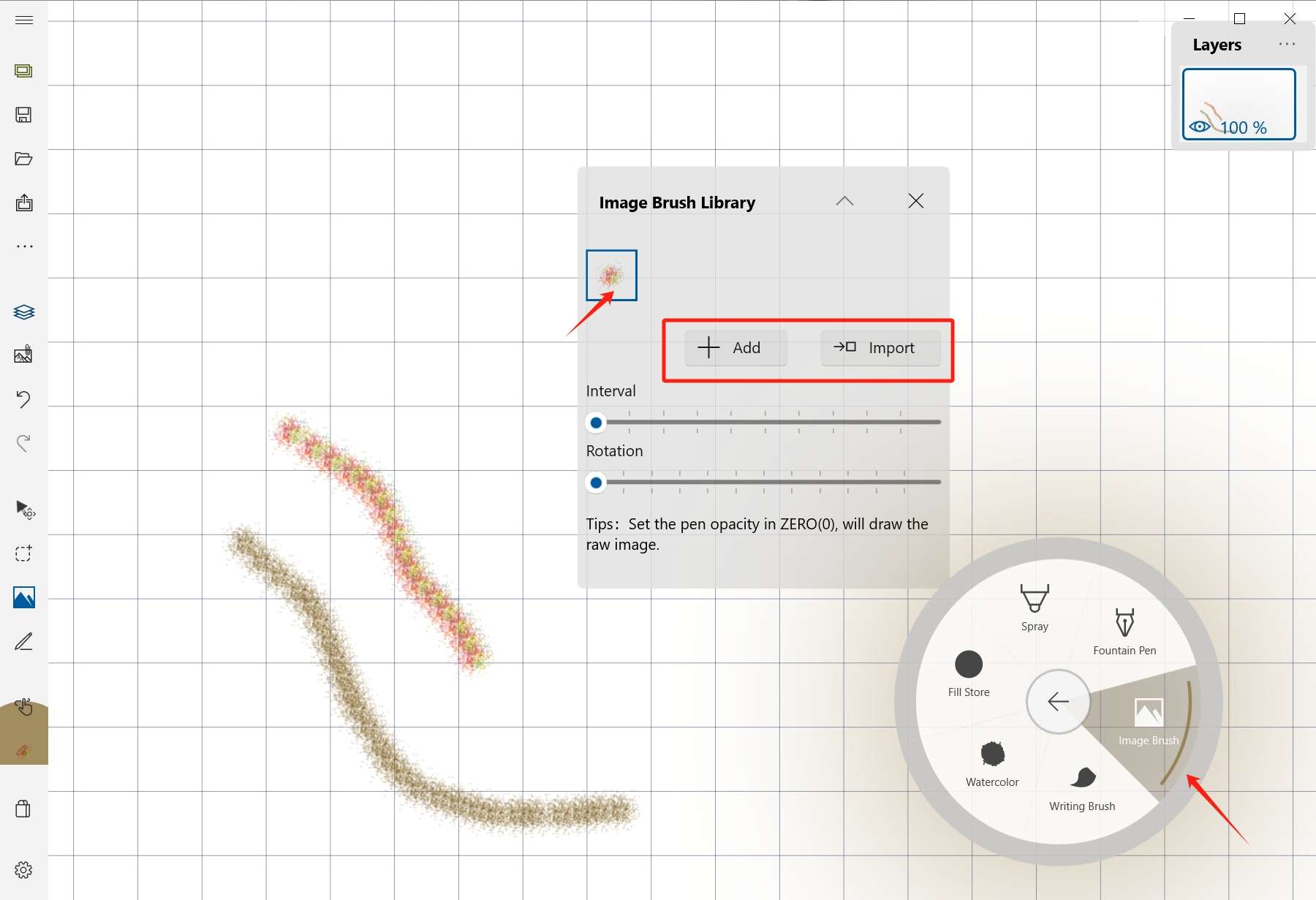
Sketch Board includes ordinary brush, pencil, highlighter, fountain pen, spray brush, fill, watercolor brush, writing brush, and image brush.
Erasers
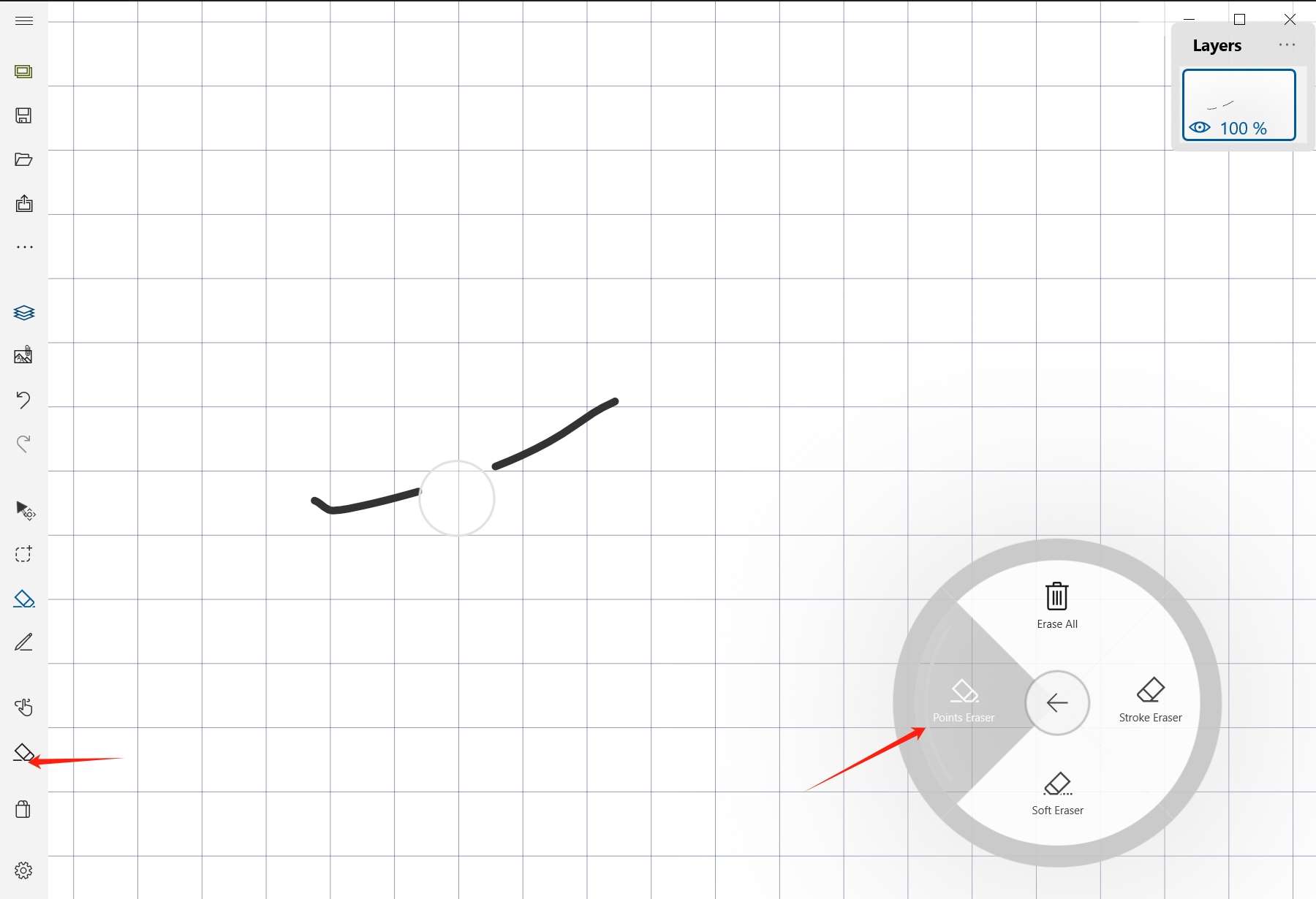
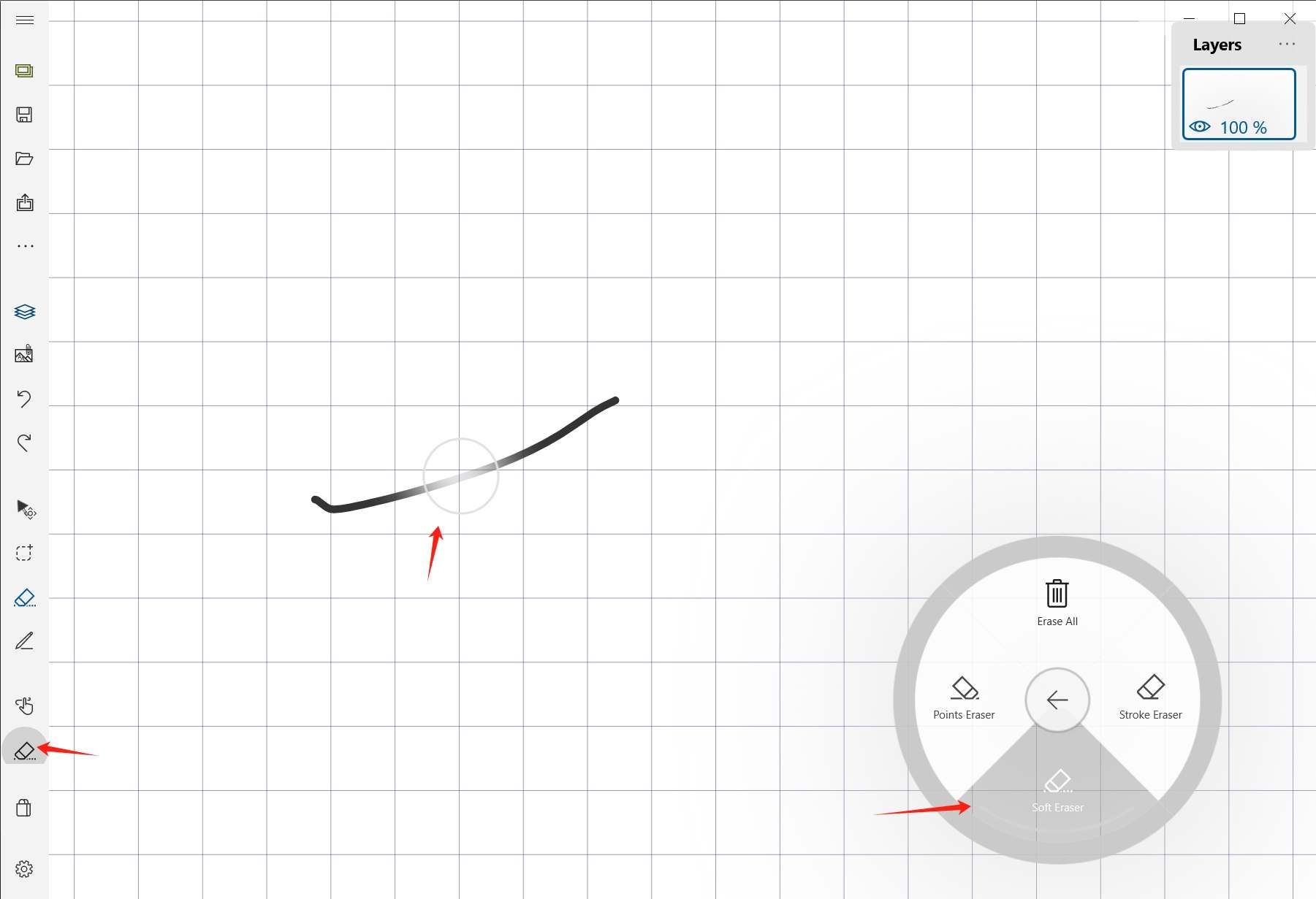
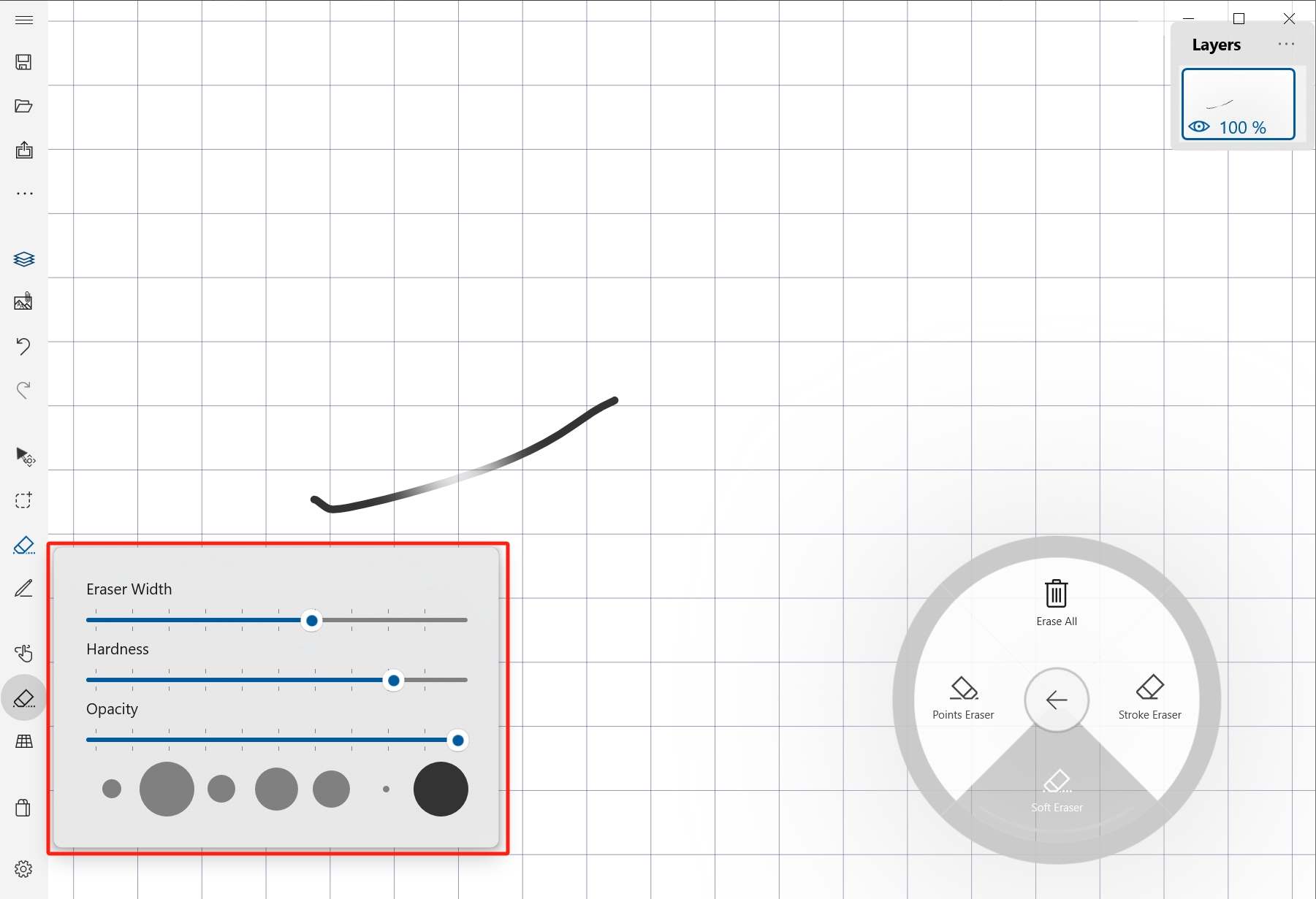
Use stroke eraser for complete strokes, point eraser for dots, and soft eraser for transparent fading.
Shapes and color
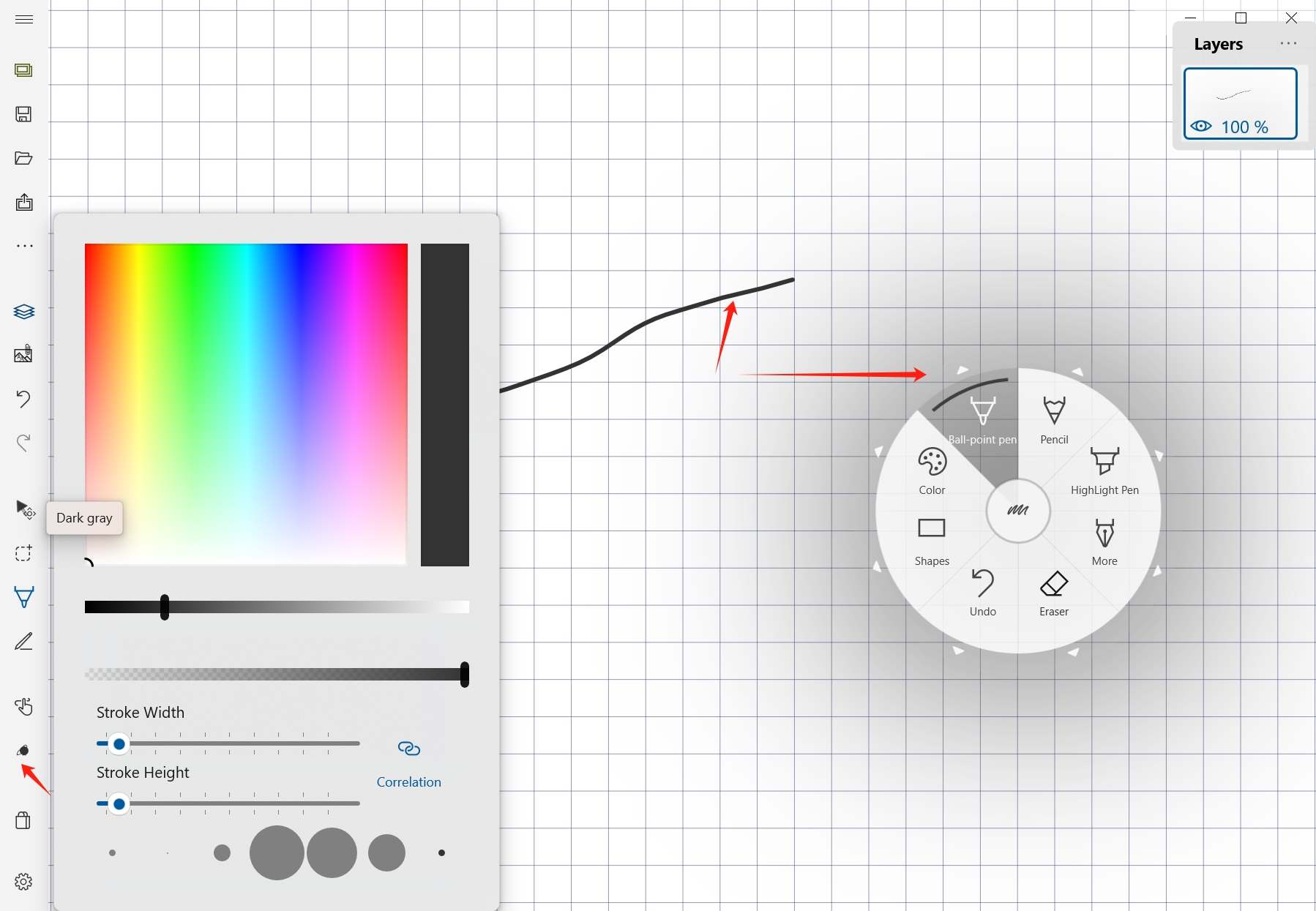
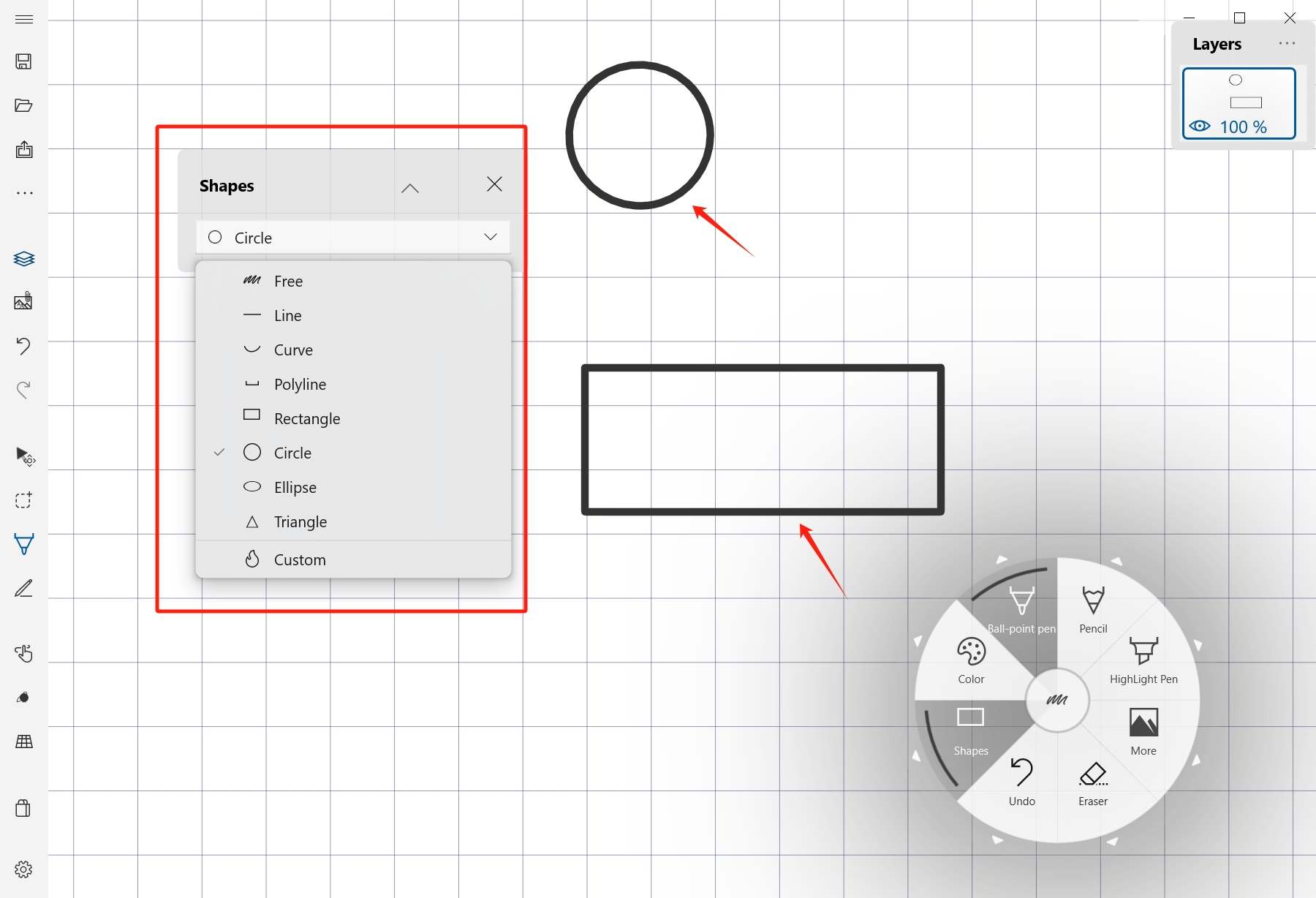
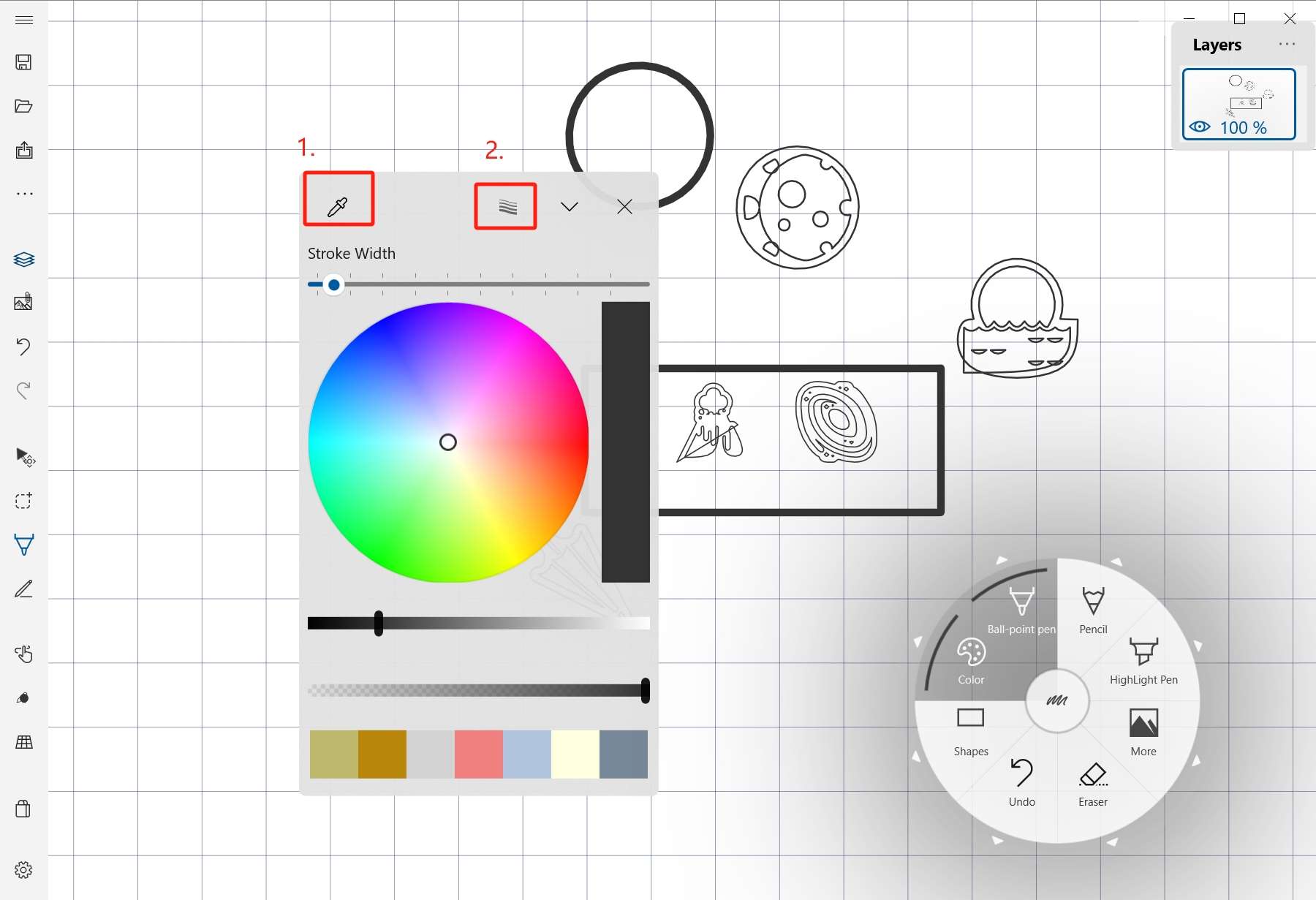
Add common or custom shapes, then use the floating color picker to choose color or show pen size settings.
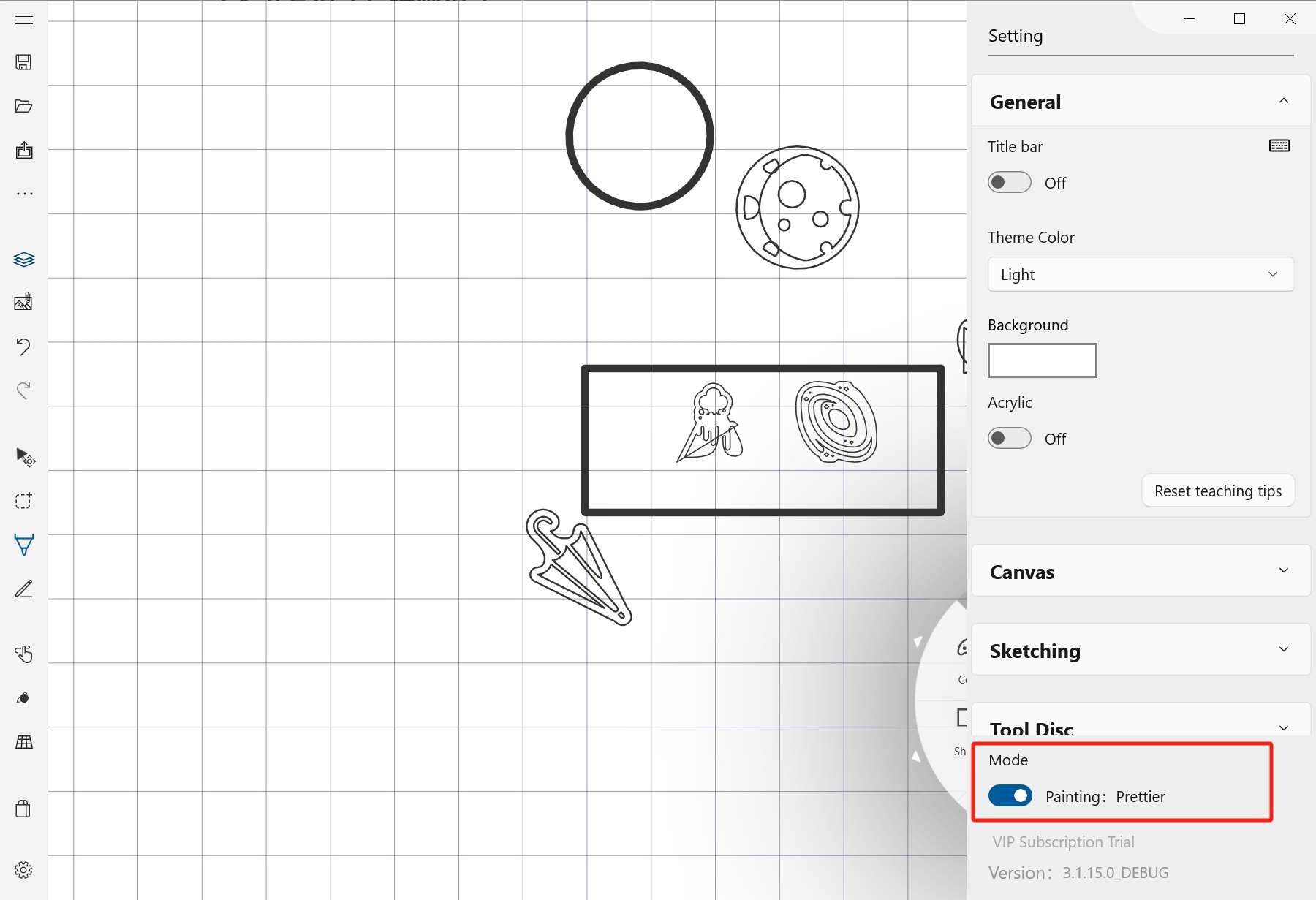
Writing mode and painting mode
Writing mode gives a more native writing experience with faster response. Painting mode supports more brushes and attributes.