

macOS productivity toolkit
A lightweight Mac toolkit for Finder actions, text editing, screenshots, and color picking.
Yuflo brings together Context Menu enhancements, text editing, screen capture, and color picking into one lightweight macOS toolkit, reducing context switching and improving everyday efficiency.
Core features
Explore the core features through common workflows
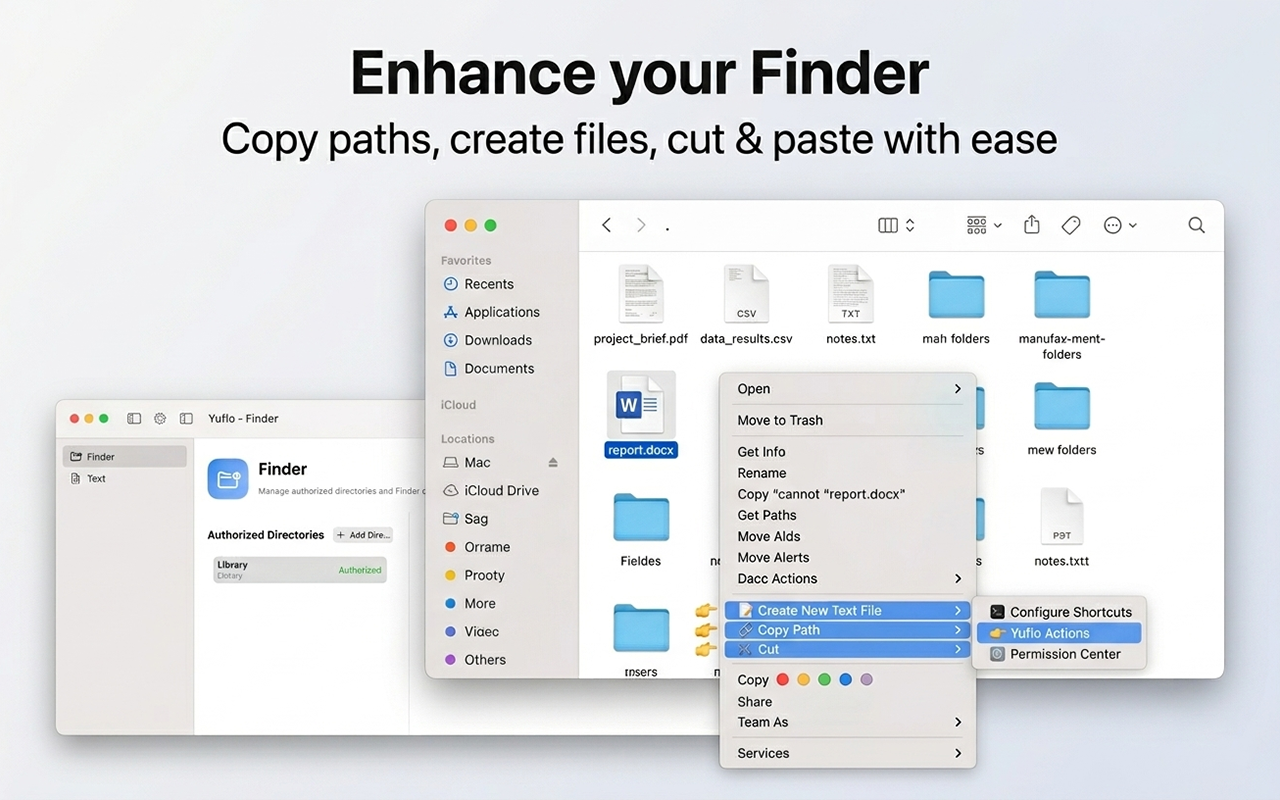
Enhance Finder with context-aware actions
Yuflo adds practical right-click actions for everyday file work: copy file and folder paths, copy the current directory from blank space, create named text files, use Windows-style cut and paste, and manage secure folder access.
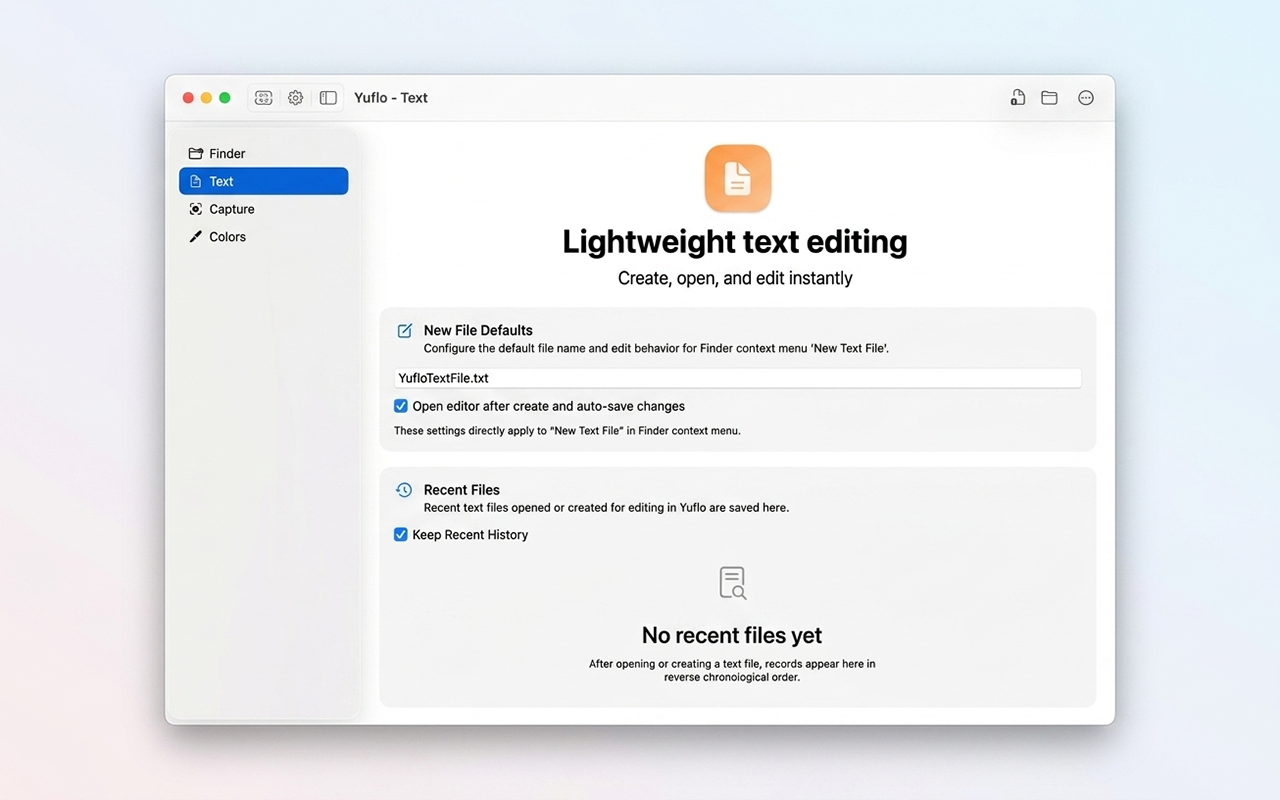
Create and edit text without opening a heavy editor
The text tools support common text and code formats such as txt, md, json, and js. Recent files are kept tidy with automatic cleanup, and files can be created, renamed, saved, and opened directly from Finder.
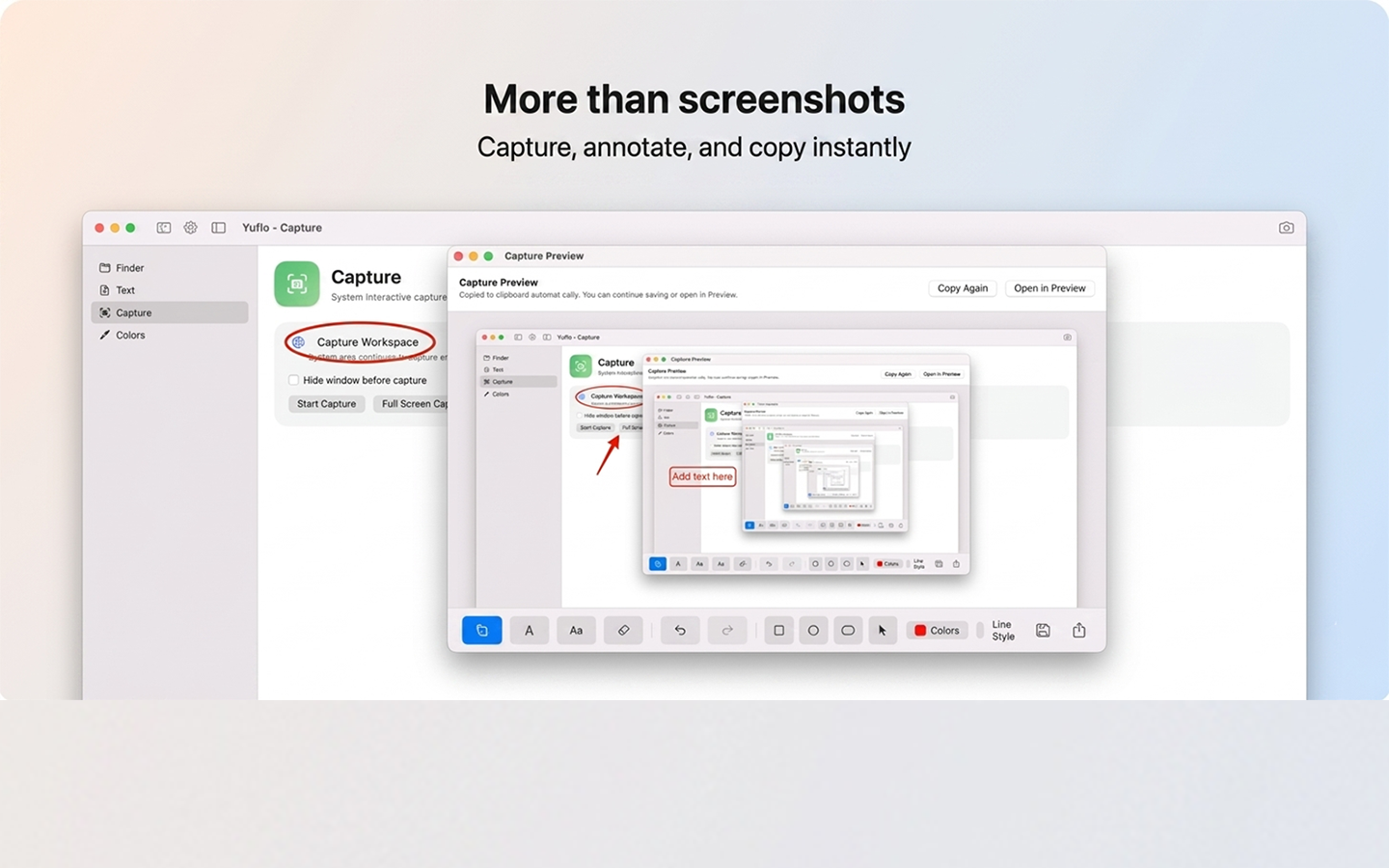
Go beyond system screenshots
Capture a region or the full screen, copy the result automatically, preview it instantly, and add annotations with shapes, arrows, text, drawing, undo, redo, and movable elements before copying the final image.
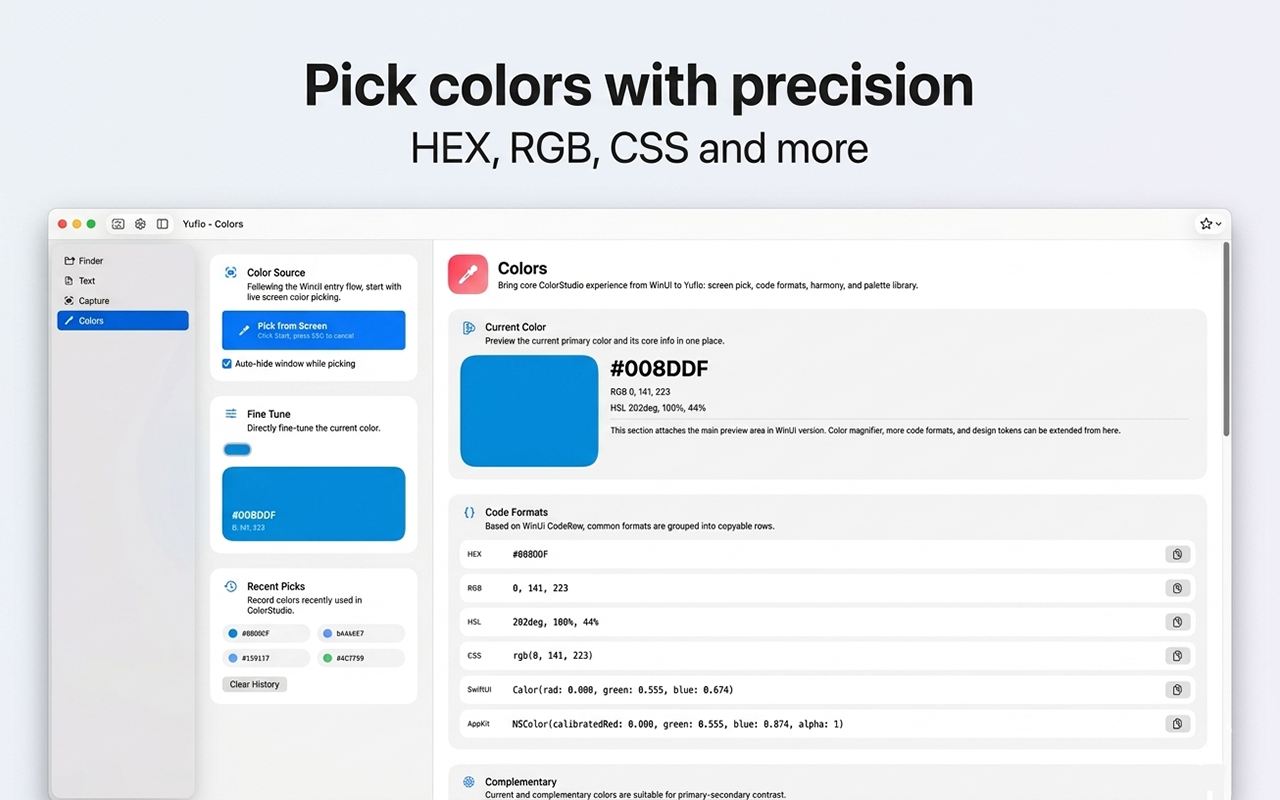
Pick colors with formats designers and developers use
The color picker gives a zoomed preview under the cursor, keeps recent colors, can auto-hide the window, and copies colors as HEX, RGB, HSL, CSS, SwiftUI, or AppKit values.
Menu bar and background mode
- Access tools from the menu bar and reopen Yuflo quickly at any time.
- Run in the background so the utilities are ready when the workflow needs them.
- Built with SwiftUI and AppKit for a native, lightweight macOS experience.
Where it fits
- Yuflo is a Mac efficiency toolkit, not a drawing app or browser.
- It belongs in the app directory as a utility/workflow product line.
- It can support creators, developers, writers, and anyone who frequently handles files, text, screenshots, and colors.
Learn
Tutorials
Support
Need to report an issue or request a feature?
Send feedback by email, or continue to the help center, store page, and related apps.