

Browser, media, and local tools
A Windows browser workbench for accounts, media, privacy, and local tools.
One Browser combines multi-account privacy browsing, gesture-based image and video viewing, floating tools, full webpage saving, tab undo, local files, downloads, PC collaboration, and built-in utilities. It also works on Xbox.
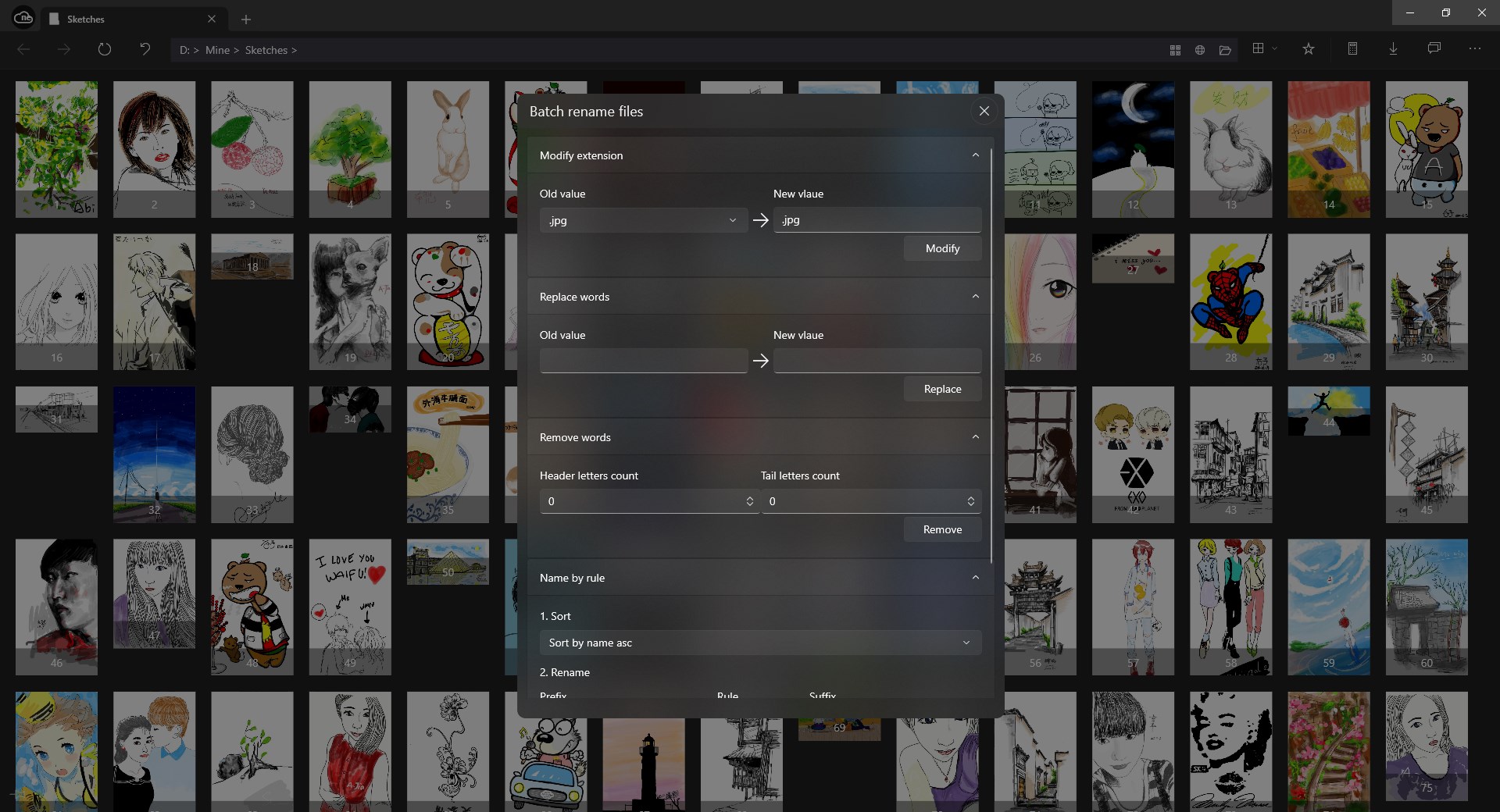
Core features
Explore the core features through common workflows
Browse with multi-account privacy spaces
Account spaces help separate different browsing contexts: home pages, favorites, history, opened tabs, search engines, and selected browsing settings can follow the account you are using.
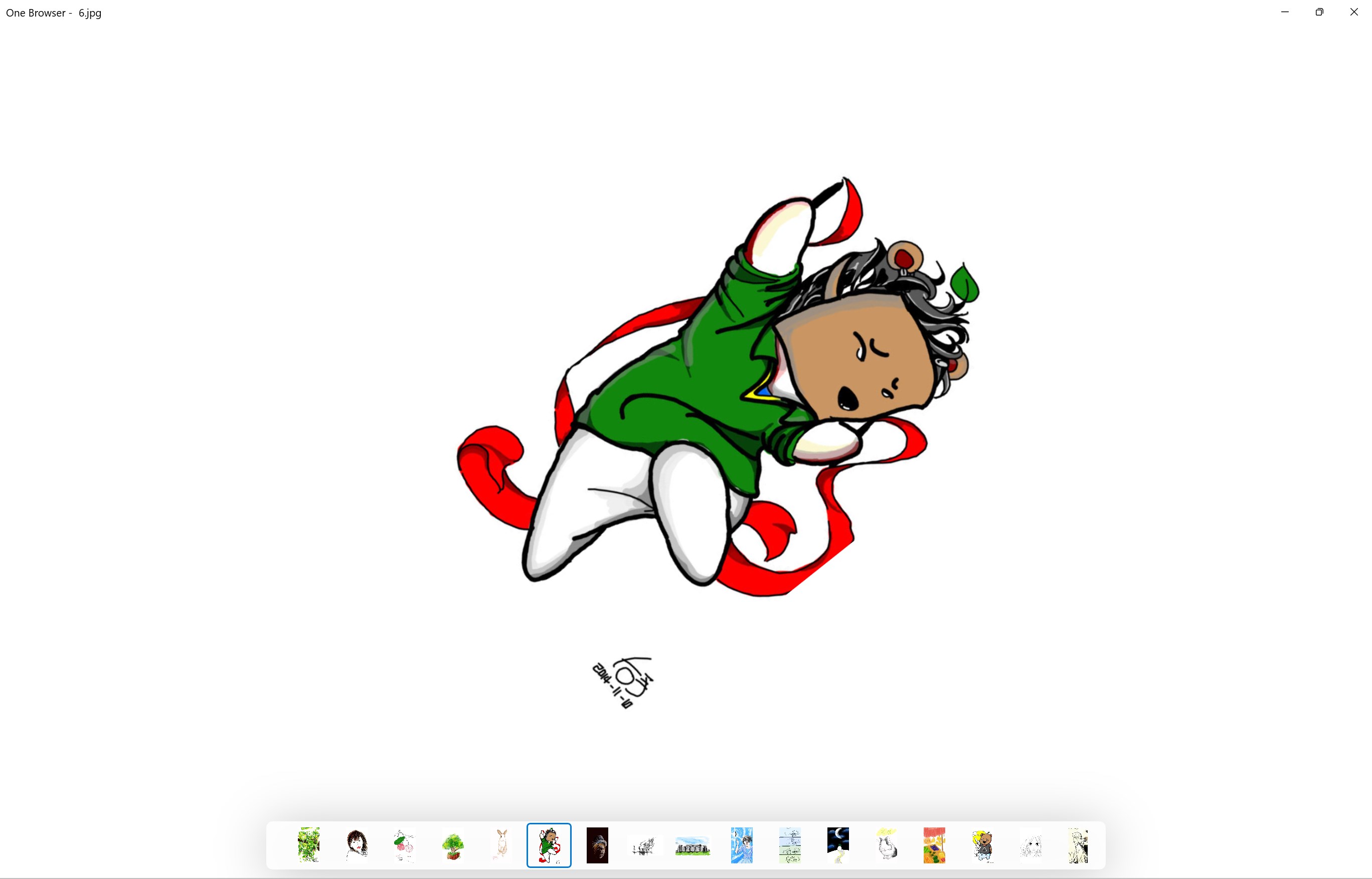
Swipe through photos and videos
One Browser is also a local media viewer. Browse photos and videos with mouse, touchpad, or touch screen gestures: move between photos, close views, jump through video, or adjust volume with vertical gestures.
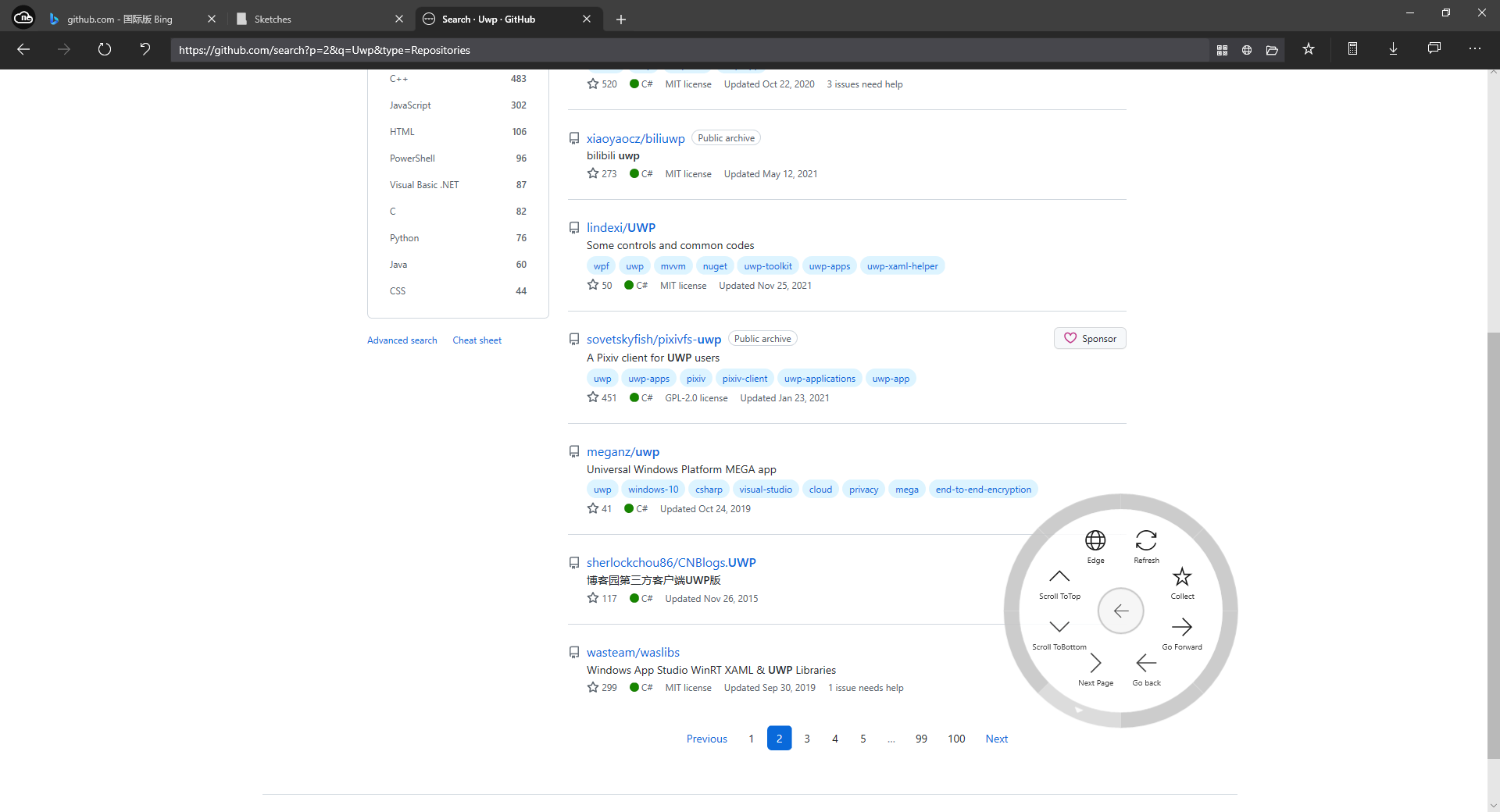
Use floating tools for one-handed control
Floating tools, virtual touch mouse, tab-close undo, full webpage saving, file transfer, messaging, downloads, and privacy space make One Browser feel more like a browsing workbench than a simple WebView shell.
Good fits
- Separate accounts, favorites, history, and restored tabs by context.
- Browse local photos and videos quickly with gesture-oriented controls.
- Use full-page saving, downloads, local collaboration, and utility tools in one app.
Privacy boundary
- Privacy Space helps organize private media, but should not be treated as a full security boundary.
- Private media previews may create temporary cache files; understand cleanup before relying on it.
- PC collaboration, local services, AI, and ComfyUI tools should be used in trusted environments.
Recommended pairing
- 66888.tech is a minimal, clean internet start page that works well as a One Browser home page or new-tab entry.
- Use it when you want search and common links to be the first thing you see after opening the browser.
- It is a web entry, so there is nothing to install and it also works in other browsers.
Learn
Tutorials
Support
Need to report an issue or request a feature?
Send feedback by email, or continue to the help center, store page, and related apps.